> ## Documentation Index
> Fetch the complete documentation index at: https://help.getvero.com/llms.txt
> Use this file to discover all available pages before exploring further.
# How to view campaign results
> Access logs and engagement reports for any campaign in Vero.
To view the logs and reports for an individual campaign, follow these simple steps:
### Logs
1. Navigate to the campaign.
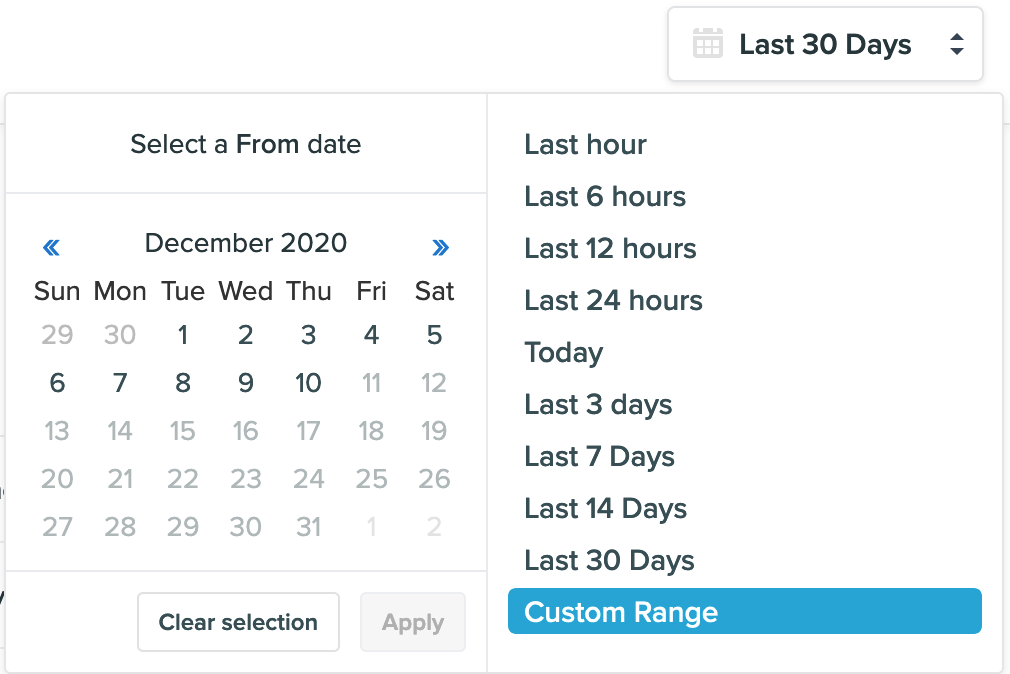
2. Click "View logs."  3. You will be directed to the Logs Page where you can now select a date range and view the user logs.
  ### Reports
1. Navigate to the campaign.
2. Click "View report."
### Reports
1. Navigate to the campaign.
2. Click "View report."  3. You will be directed to the Reports page where you can also select a date range and view the campaign engagement report for the selected date range.