> ## Documentation Index
> Fetch the complete documentation index at: https://help.getvero.com/llms.txt
> Use this file to discover all available pages before exploring further.
# Add a custom unsubscribe page
> Redirect customers to your own unsubscribe page instead of the default Vero page.
A standard newsletter campaign gives the option to customers to unsubscribe from your email campaigns. In Vero, a customer can click an unsubscribe link in your newsletter and automatically be unsubscribed using one of two options:
`{{url.unsubscribe_link}}` inserts a URL (e.g. [http://getvero.com/unsubscribe/xyz](http://getvero.com/unsubscribe/xyz)) that unsubscribes your customers in one click.
`{{url.unsubscribe}}` inserts an anchor tag containing the string Unsubscribe and pointing to the link referenced by `{{url.unsubscribe_link}}` above.
Upon clicking, customers will be directed to the default unsubscribe page provided by Vero:
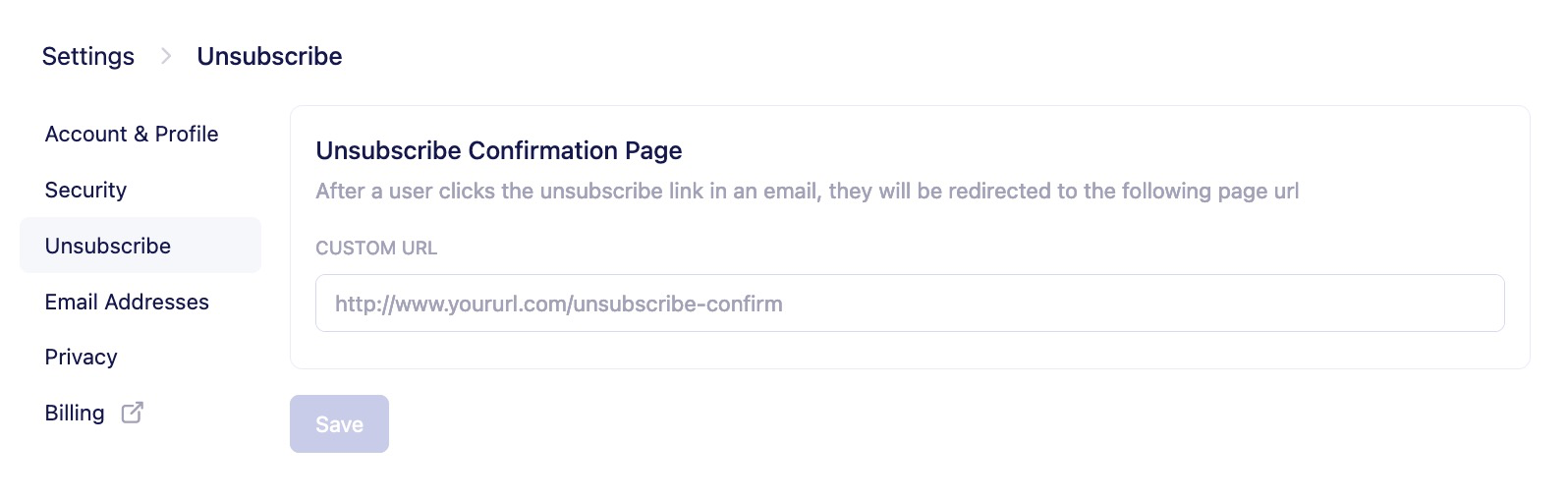 However, if you would rather your customers be redirected to a custom unsubscribe page on your website, you can add your personalised link under the [Unsubscribe section](https://newsletters.getvero.com/settings/unsubscribe) of Settings.