> ## Documentation Index
> Fetch the complete documentation index at: https://help.getvero.com/llms.txt
> Use this file to discover all available pages before exploring further.
# Create and use a template
> Import custom HTML, build with drag-and-drop, or start from Vero's template library.
Sending out a successful newsletter campaign starts with the perfect template. In Vero you may bring your own customized template or create a great-looking, custom email template to use on your newsletter campaign.
## How to create a new template into Vero
In the [Templates](https://newsletters.getvero.com/templates) section you have a few options:
1. Import your own previously created HTML template.
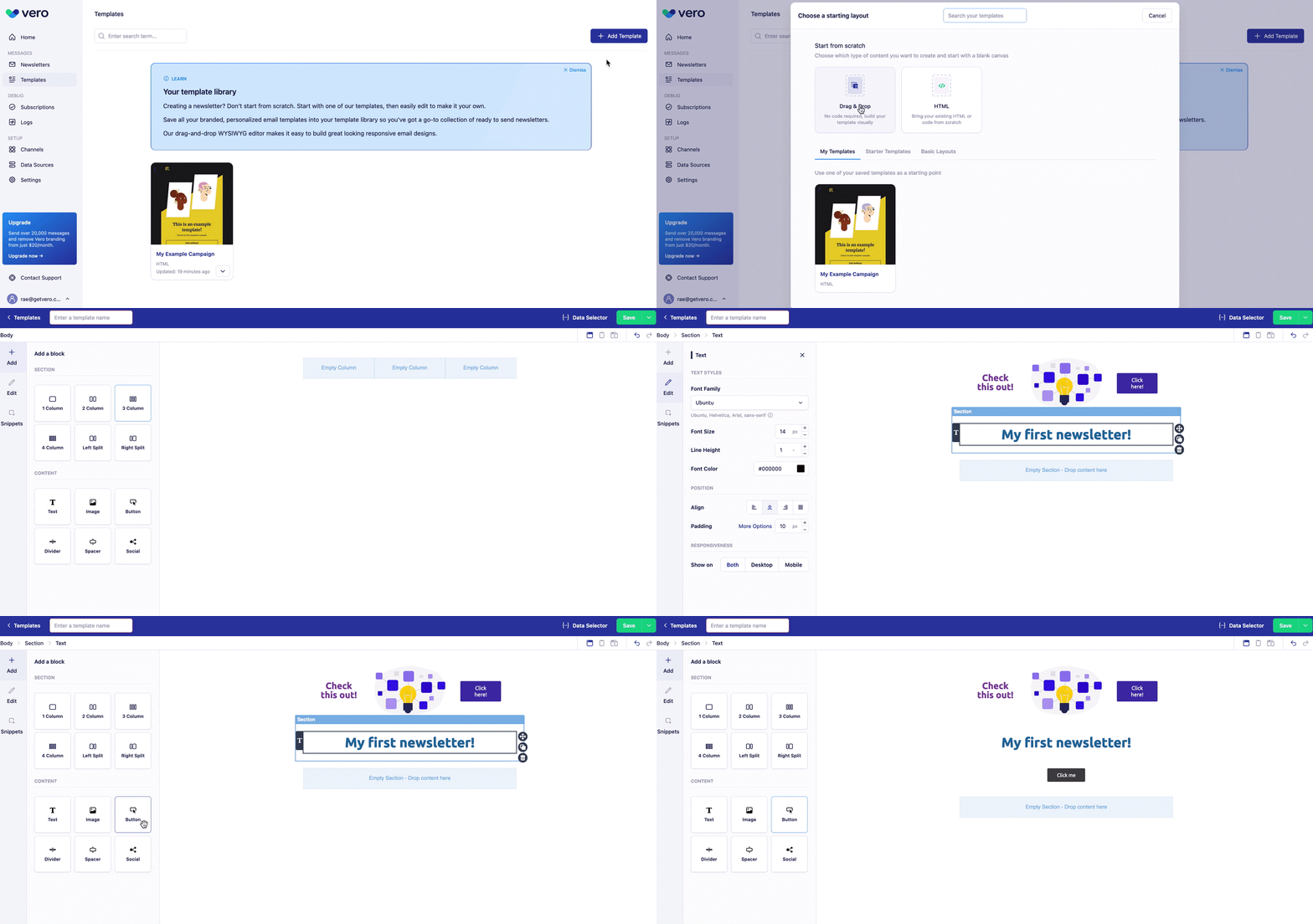
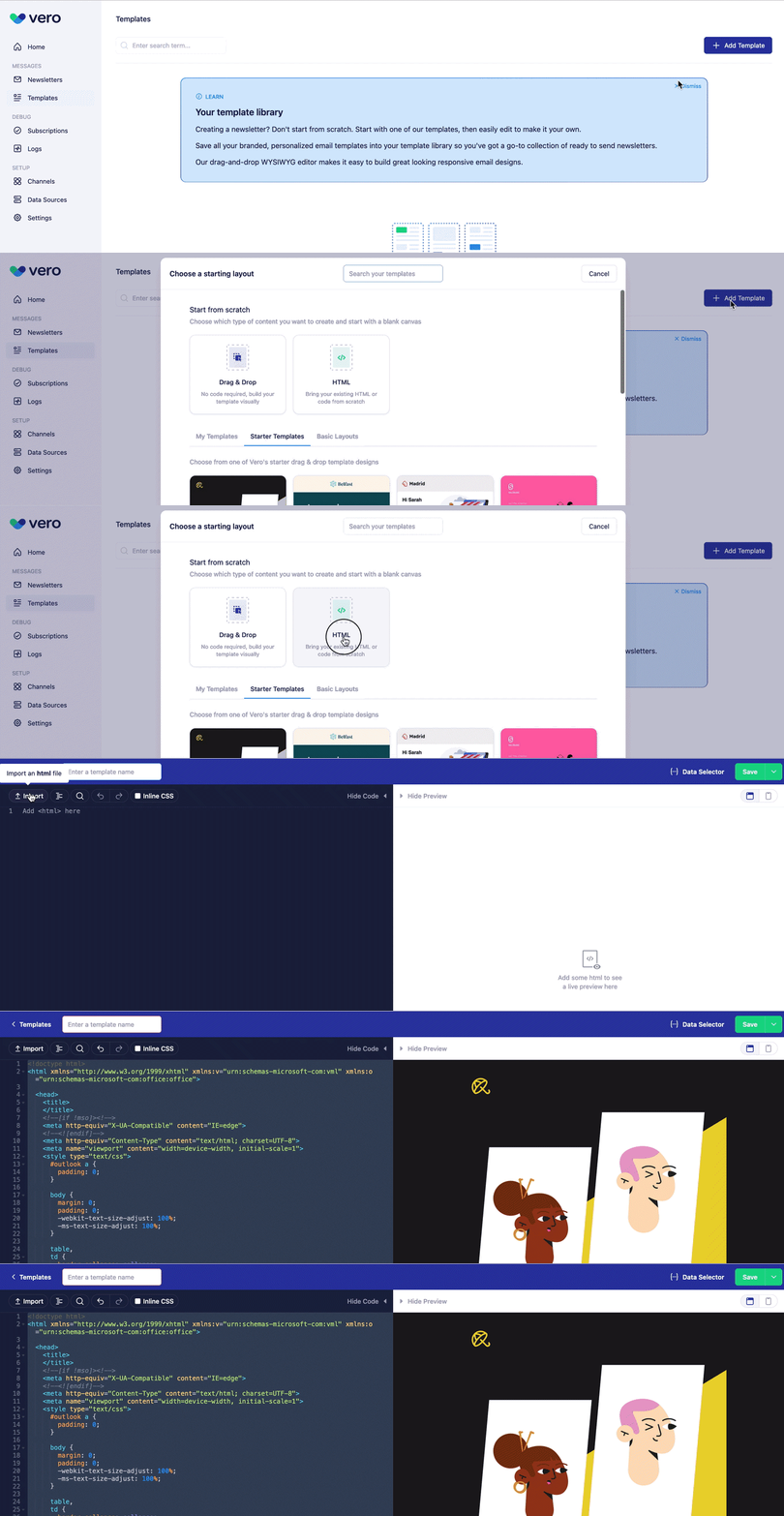 2. Create your own Drag and Drop or HTML template from scratch.
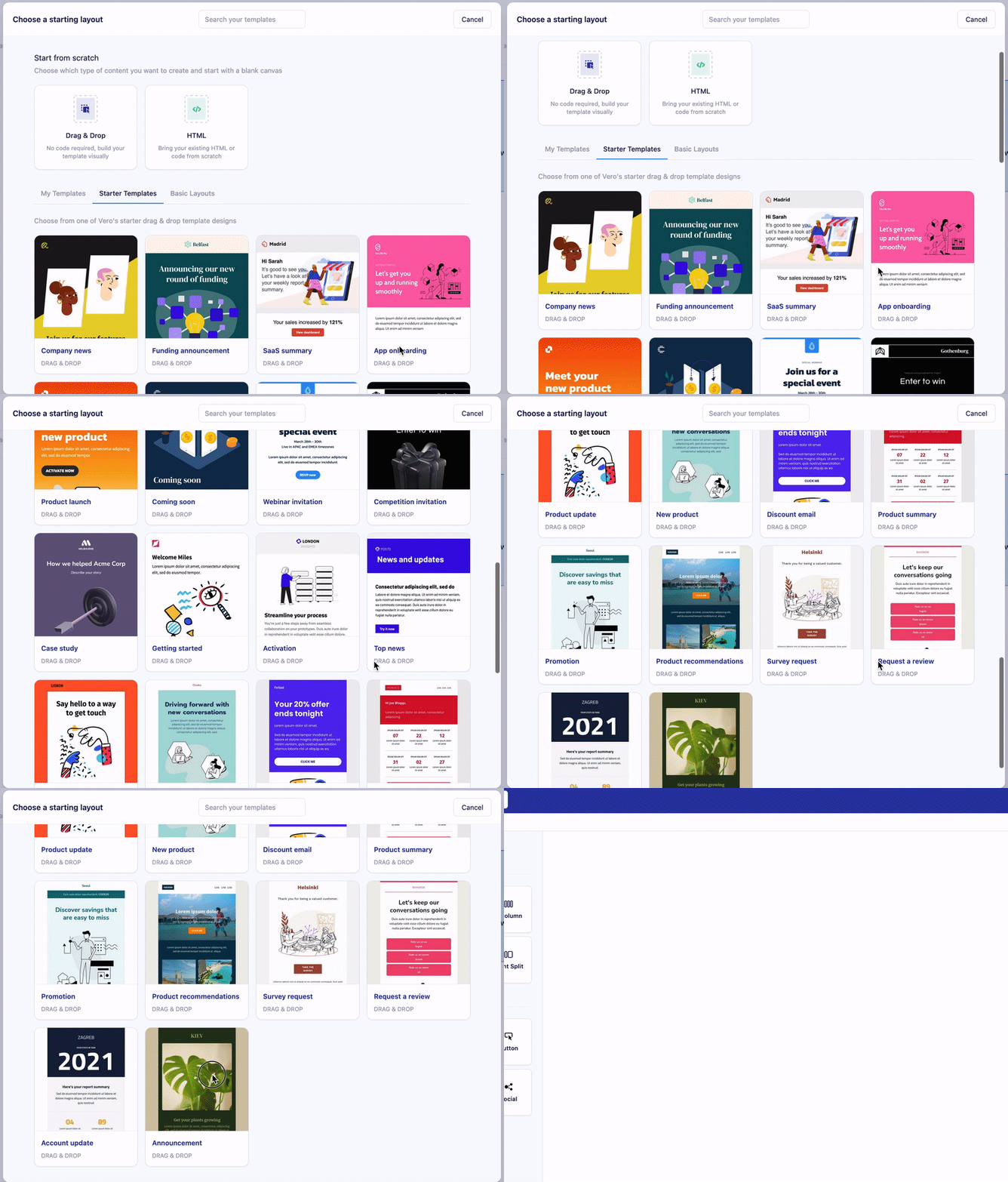
 3. Choose one of our existing Vero templates to help get you started.
 ## How to use a template in your campaigns
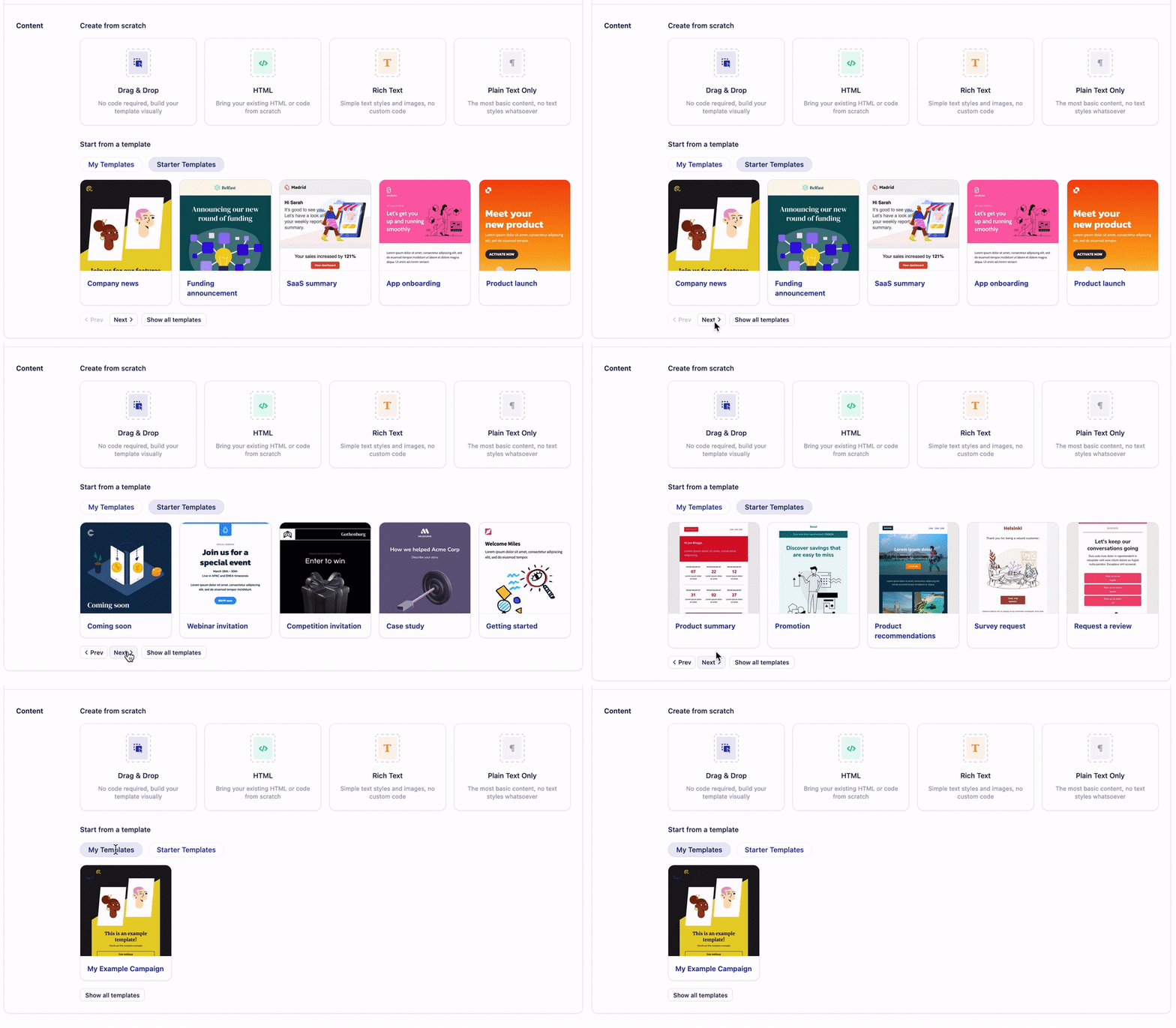
Once you've created a new newsletter and are ready to add content to it, you can:
1. Build a template from scratch using our Drag and Drop, HTML, Rich Text, or Plain text template editor.
## How to use a template in your campaigns
Once you've created a new newsletter and are ready to add content to it, you can:
1. Build a template from scratch using our Drag and Drop, HTML, Rich Text, or Plain text template editor.
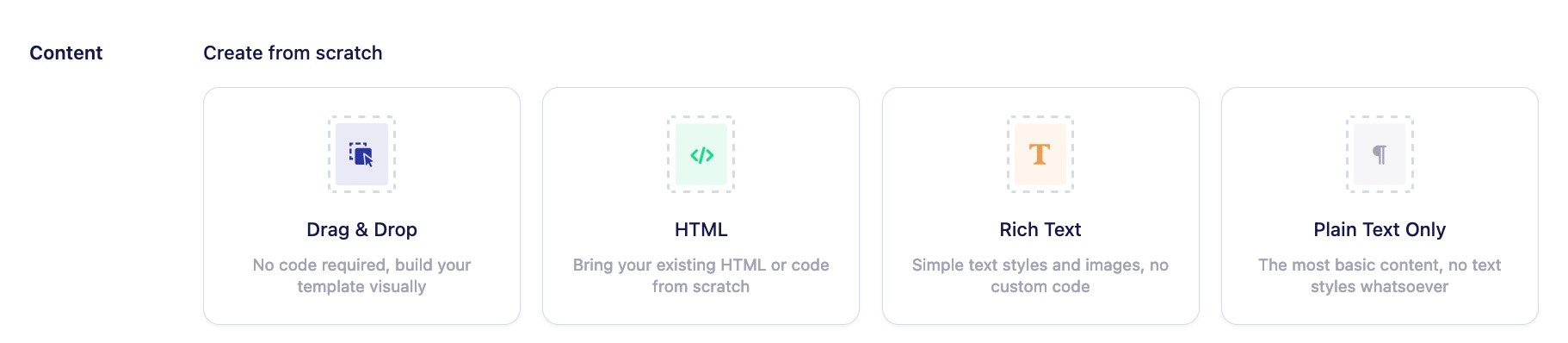 2. Choose an existing Vero template to start from scratch from or one of the exisiting templates you've recently added to the Templates section.
 Once you've added your template, you're ready to send off your newsletter! More questions about setting up your newsletter? Learn more about [designing your message](/vero-2/message-content/creating-an-email-message).