

Whether you use Vero Forms or create your own, your HTML forms are exposed to the web, allowing any bad actor to attempt to submit data through them. Bad actors can use these forms maliciously in several ways:Documentation Index
Fetch the complete documentation index at: https://help.getvero.com/llms.txt
Use this file to discover all available pages before exploring further.
- To add spammy email addresses to your customer database. This can harm your deliverability, bloat your customer database, and cause you to email people you did not intend.
- To use the inputs in your form to send spam or harmful content to real email addresses, leveraging your sending domain in order to make the emails look legitimate. This second attack is particularly malicious, and can damage your reputation both with email clients and your customers.
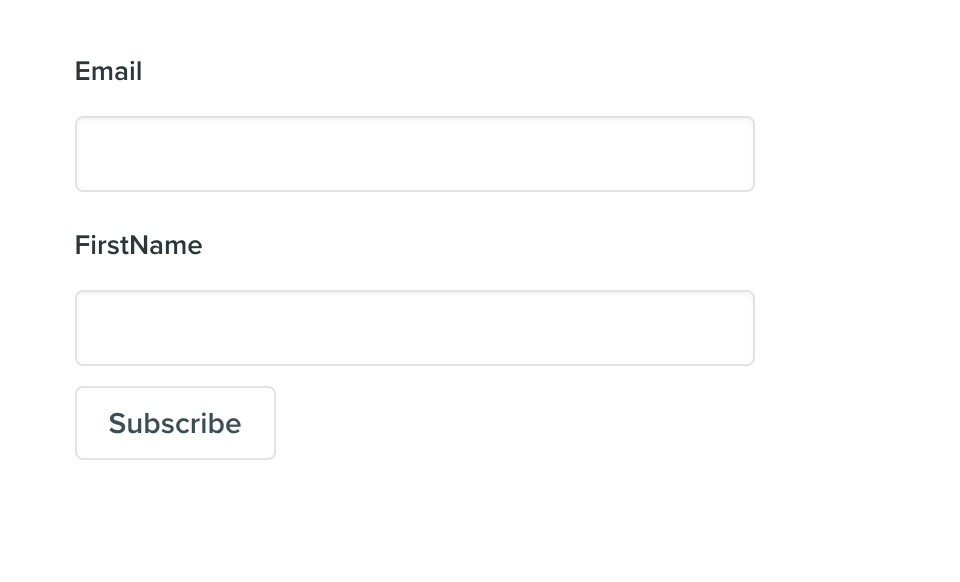
subscriber_signed_up. Because you care about keeping a clean email list and follow a double-opt in process, you have a workflow set up that is triggered by this event and sends an email to the signup ensuring that the user wants to continue receiving emails from you. This is a great practice to follow.
Imagine the content for this email:
Hello {{ user.firstName }}, Thank you for signing up for our newsletter content. Please click this link to opt-in to continue receiving emails from us. Sincerly, Our Team
The malicious actor can write a script that takes a bunch of email addresses they want to target and have a bot fill out your form hundreds or thousands of times. Imagine that instead of putting an actual first name into the firstName input in the form, they instead put the text:
! You have won $10 million dollars. Please visit http://example.com/steal_all_your_information to claim your prize.When the form is submitted, and the event is triggered you will now send out an email to whoever they have filled in your form with and it will begin with:
Hello! You have won $10 million dollars. Please visit http://example.com/steal_all_your_information to claim your prize.It will be sent via your sending domain, using your from addresses and look completely legitimate to email clients and the people receiving the email.
Automatic traffic filtering
Any time someone submits a HTML form created in Vero, Vero will automatically detect if the submission is from a real person or a bot. To do this we are leveraging Cloudflare Turnstile, an alternative to Google’s reCAPTCHA that does not require interaction. Cloudflare Turnstile is build on the Cloudflare Challenge platform and uses several heuristics to determine if the traffic is from a human or a bot. These include IP addresses, browser fingerprinting, etc. We chose Turnstile so as not to introduce an extra step requiring manual interaction when forms are submitted, as every step matters for conversions. Users will be presented with an intermediate page, as per the screenshot below, which will automatically forward the user on if they’re determined to be a human and will deliver a failure message if the traffic is considered to be from a bot. Cloudflare may also present an interactive confirmation if at first the user is not automatically determined to be a human.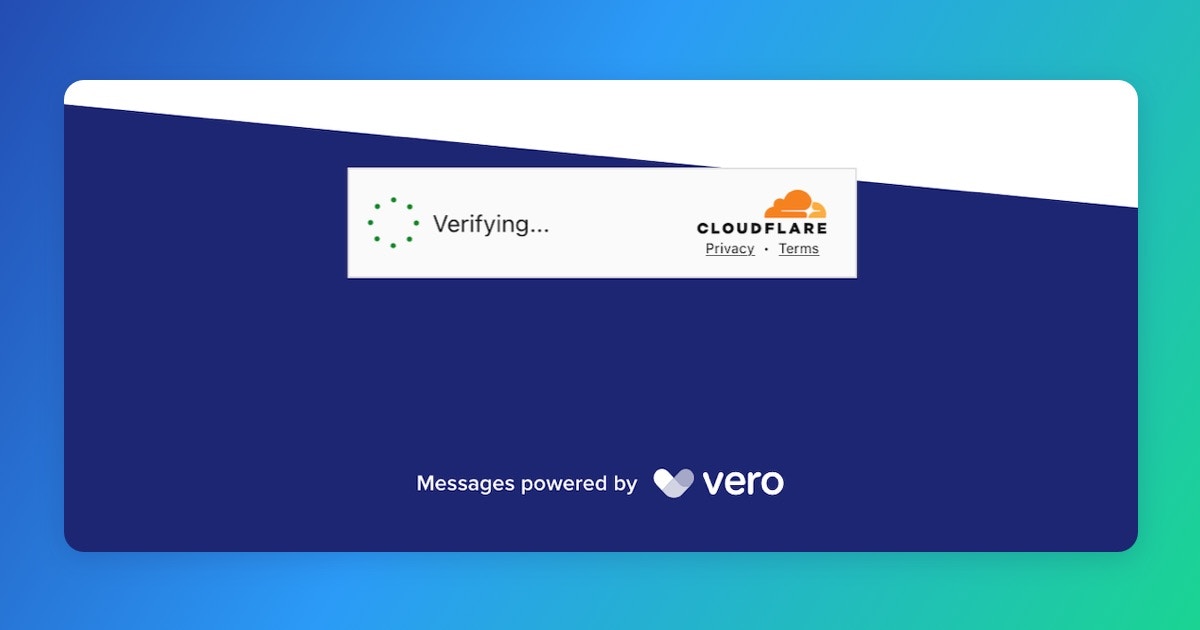
Other ways to mitigate these issues
There are several things you can do to help mitigate these issues:- When an email is directly triggered via an HTML form on your website, avoid using Liquid to personalize that email. If the email doesn’t reference any user or event properties, the intended victim will instead receive a fairly harmless opt-in email.
- Add a honeypot. The previous link goes into more detail, but bots largely process forms in an automated way and will not be able to tell which inputs in the form are hidden and which are visible. By adding an invisible input to the form, and then filtering those users out from your campaigns, you can prevent emailing addresses added by bots.
- While a honeypot is good, reCaptcha is better. reCaptcha does an amazing job at detecting bots attempting to use your sign up forms. Implementing reCaptcha is beyond the scope of this article, but it is highly recommened.
- Add field validations. At it’s simplest, this might be something like adding
maxlength='30'to each input in your form. While bad actors can still work around this by altering the HTML on the page, it may catch some bots and prevent them from adding large amounts of text or long links. You can go further with javascript, and further still if you add a validation step on your own servers before sending that data to Vero. - If you use one of Vero’s forms, leave the Enable Cloudflare Turnstile box checked when editing your form to enable Cloudflare Turnstile and help ensure the person submitting the form is a real human and not a bot.