

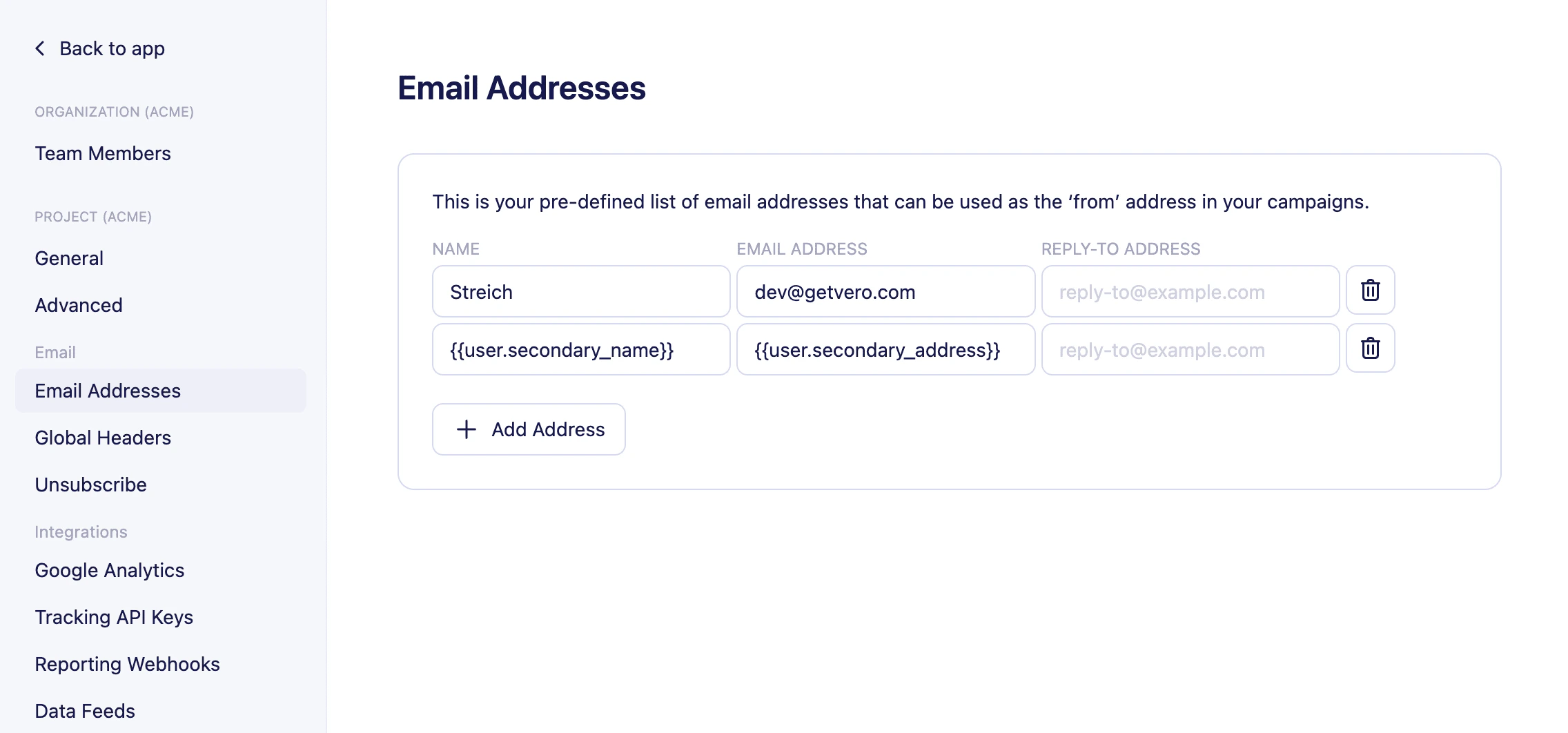
- Go to Settings.
- Select Email addresses
- Select + Add address
- Fill out the Name , Email address and Reply-to address fields.
- Click the green tick box ✅ to save your email address.
- Name : The name you want the email to come from. For example, “Chris from Vero.”
- Email address : The email address your message will appear to come from in a recipient’s email client.
- Reply-to address (optional): The email address you want replies to go to when a recipient selects Reply to in their email client.