How to create a new template into Vero
In the Templates section you have a few options:- Import your own previously created HTML template.
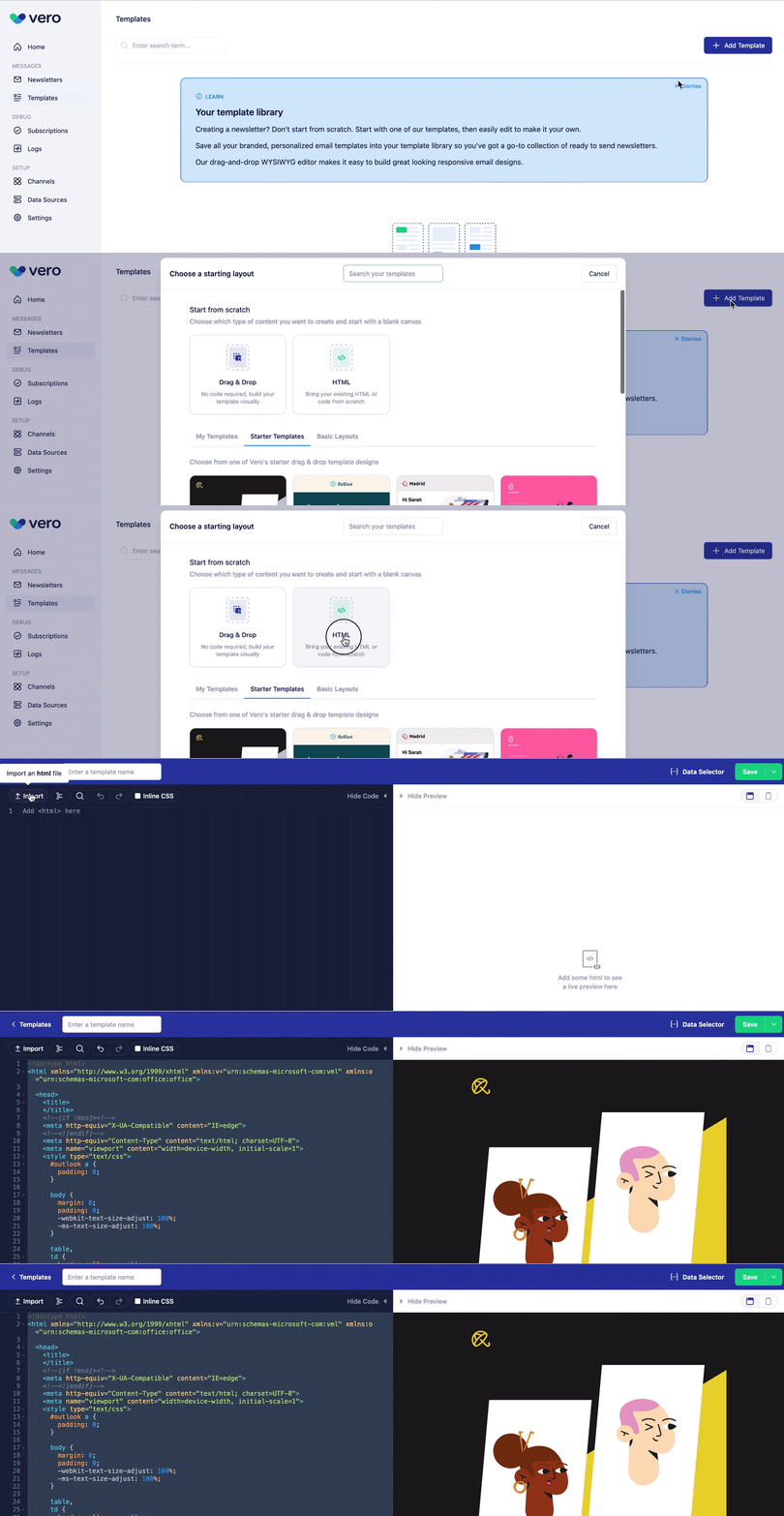
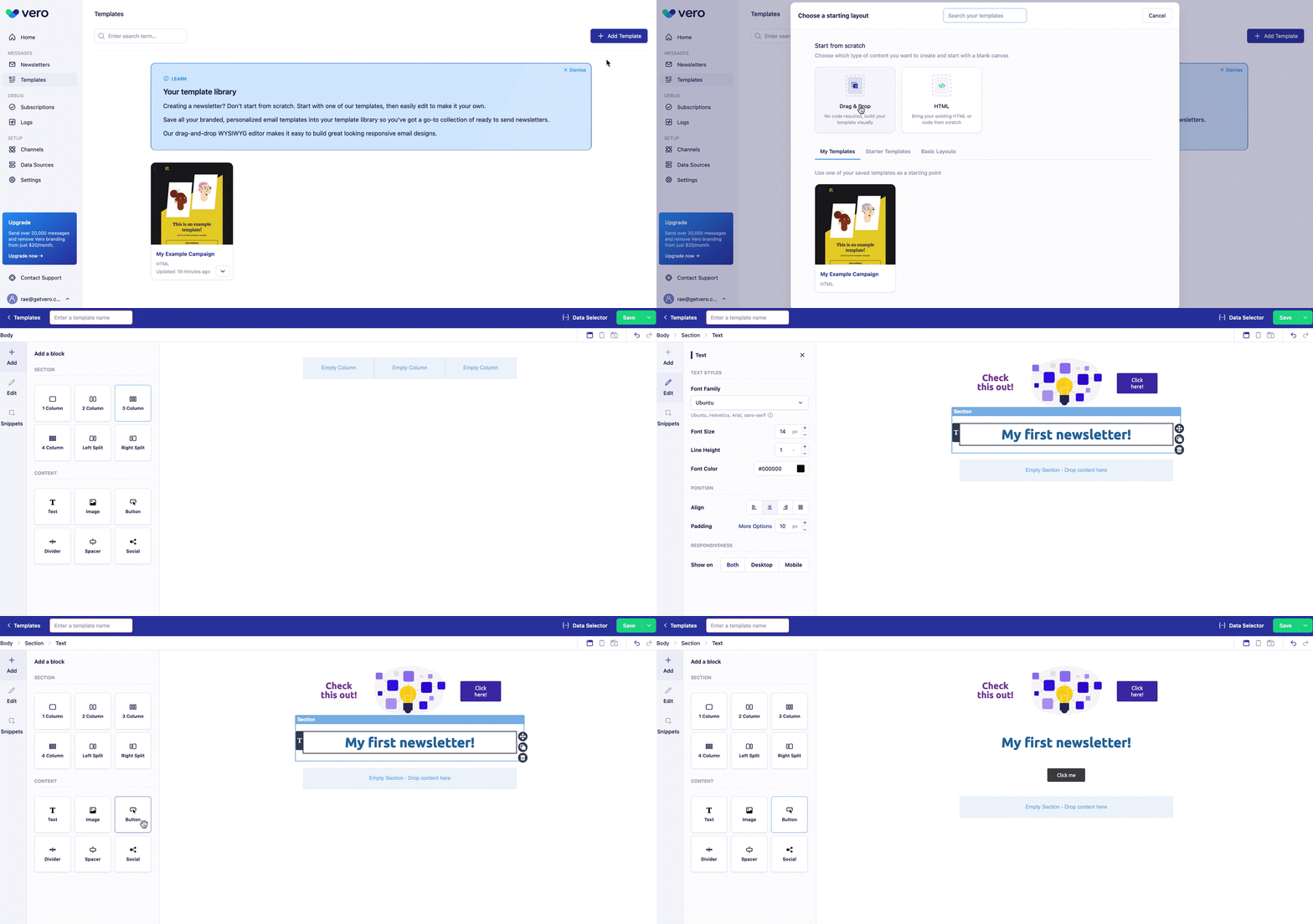
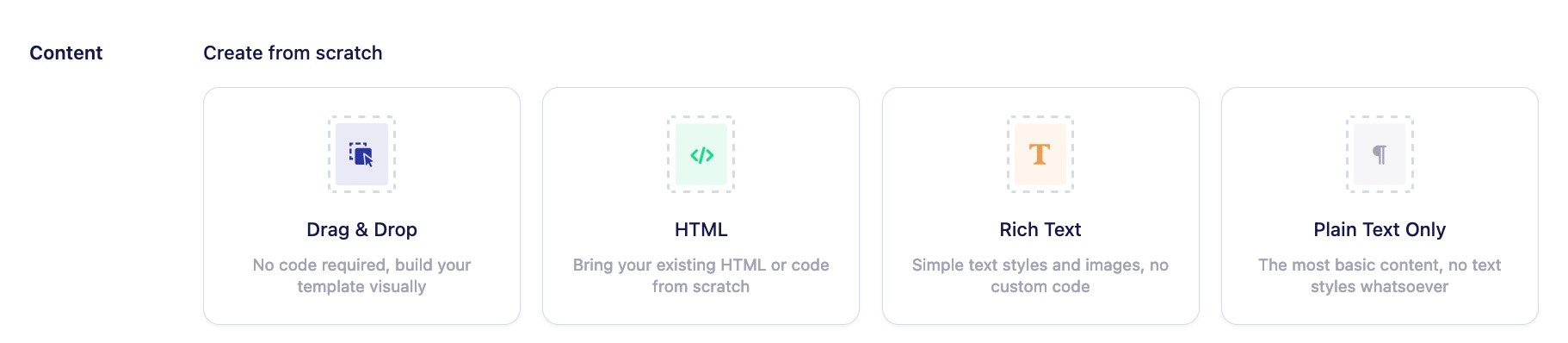
- Create your own Drag and Drop or HTML template from scratch.
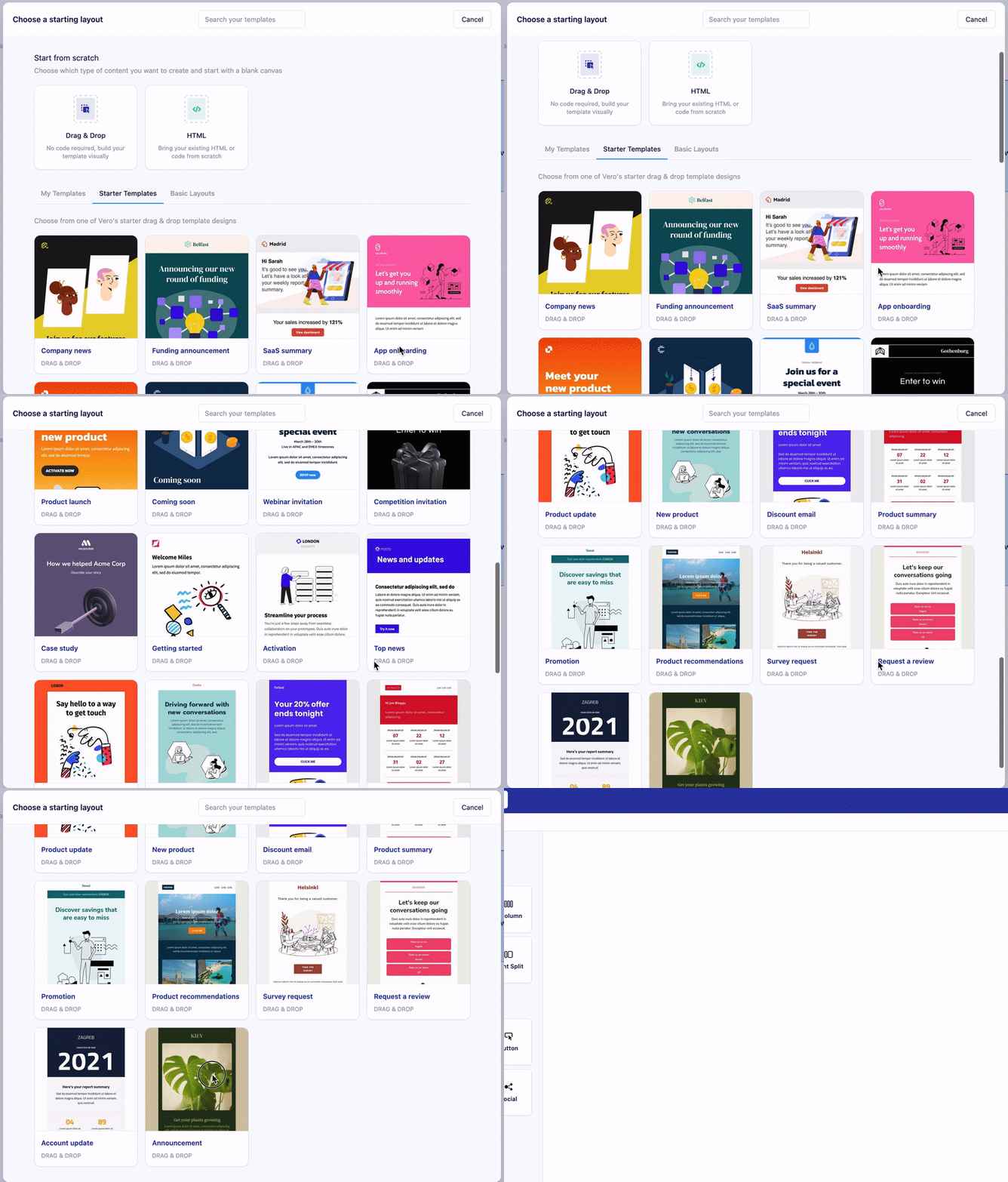
- Choose one of our existing Vero templates to help get you started.
How to use a template in your campaigns
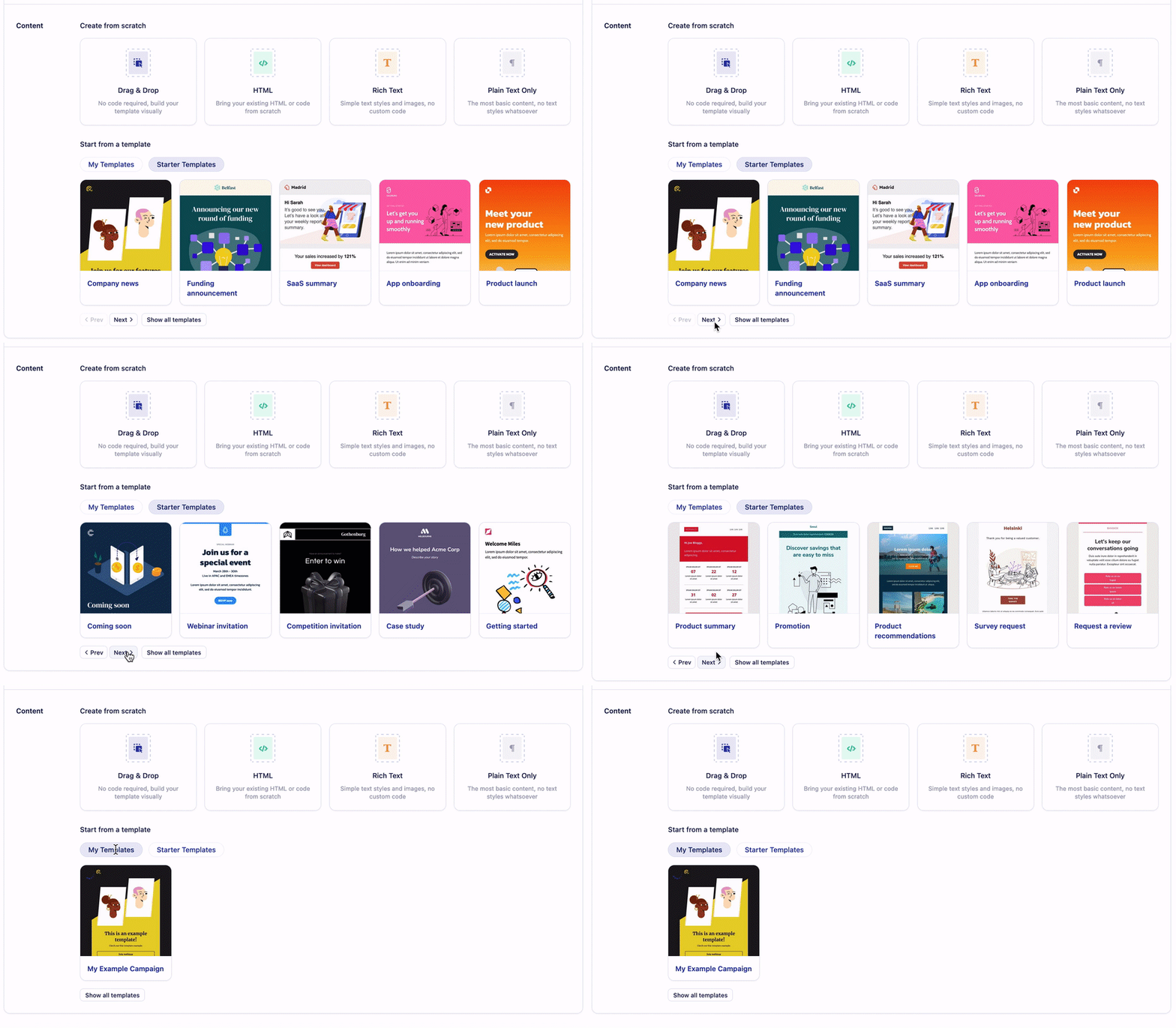
Once you’ve created a new newsletter and are ready to add content to it, you can:- Build a template from scratch using our Drag and Drop, HTML, Rich Text, or Plain text template editor.
- Choose an existing Vero template to start from scratch from or one of the exisiting templates you’ve recently added to the Templates section.