

Adding your database
Vero connects to your SQL Server using SQL Server Authentication. Ensure you have SQL Server Authentication turned on. Note: we do not currently support authentication via Azure Active Directory, IAM or similar. To add a Microsoft SQL Server database, click Data Sources and Add Data Source. In the menu that appears, choose Microsoft SQL Server: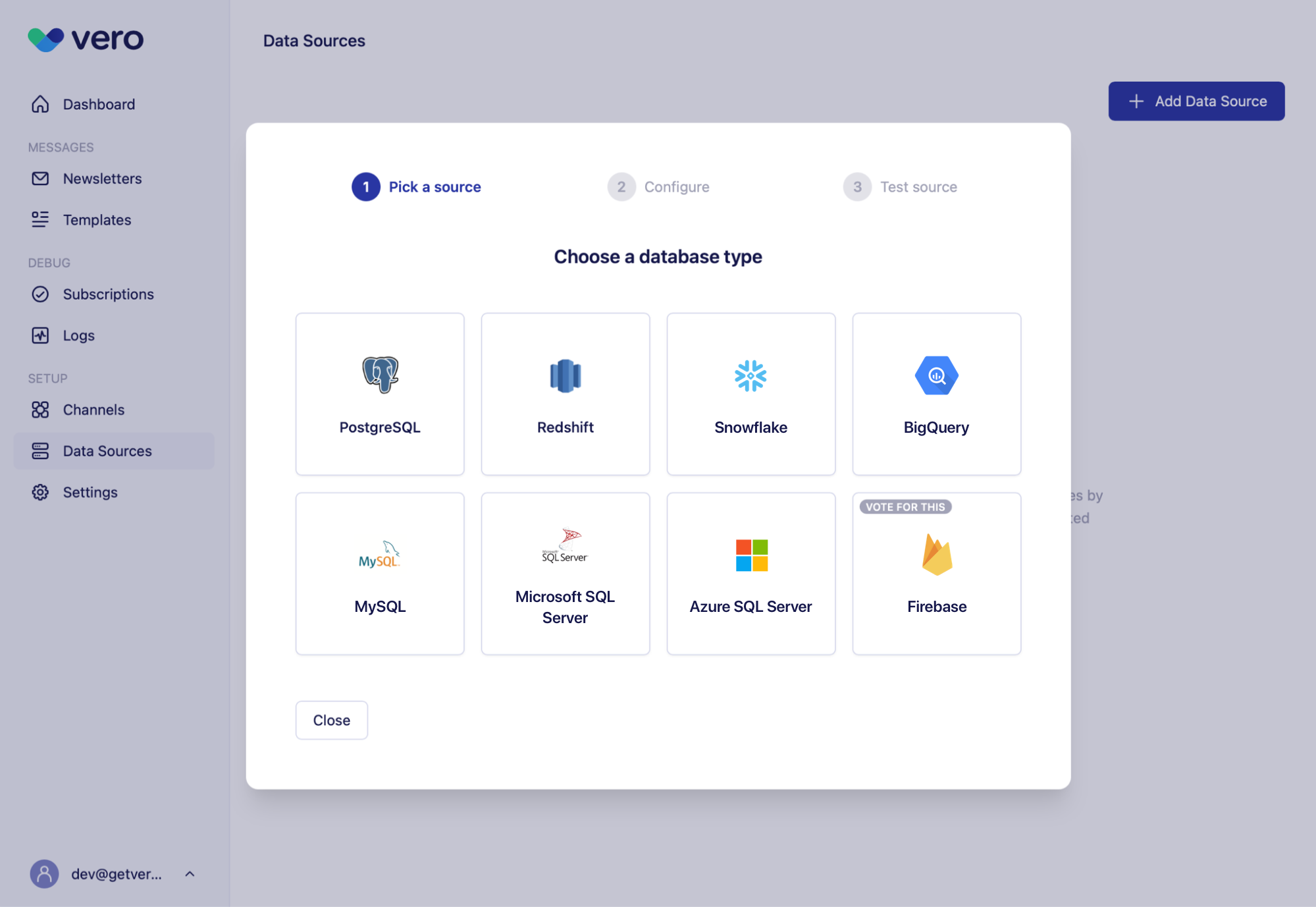
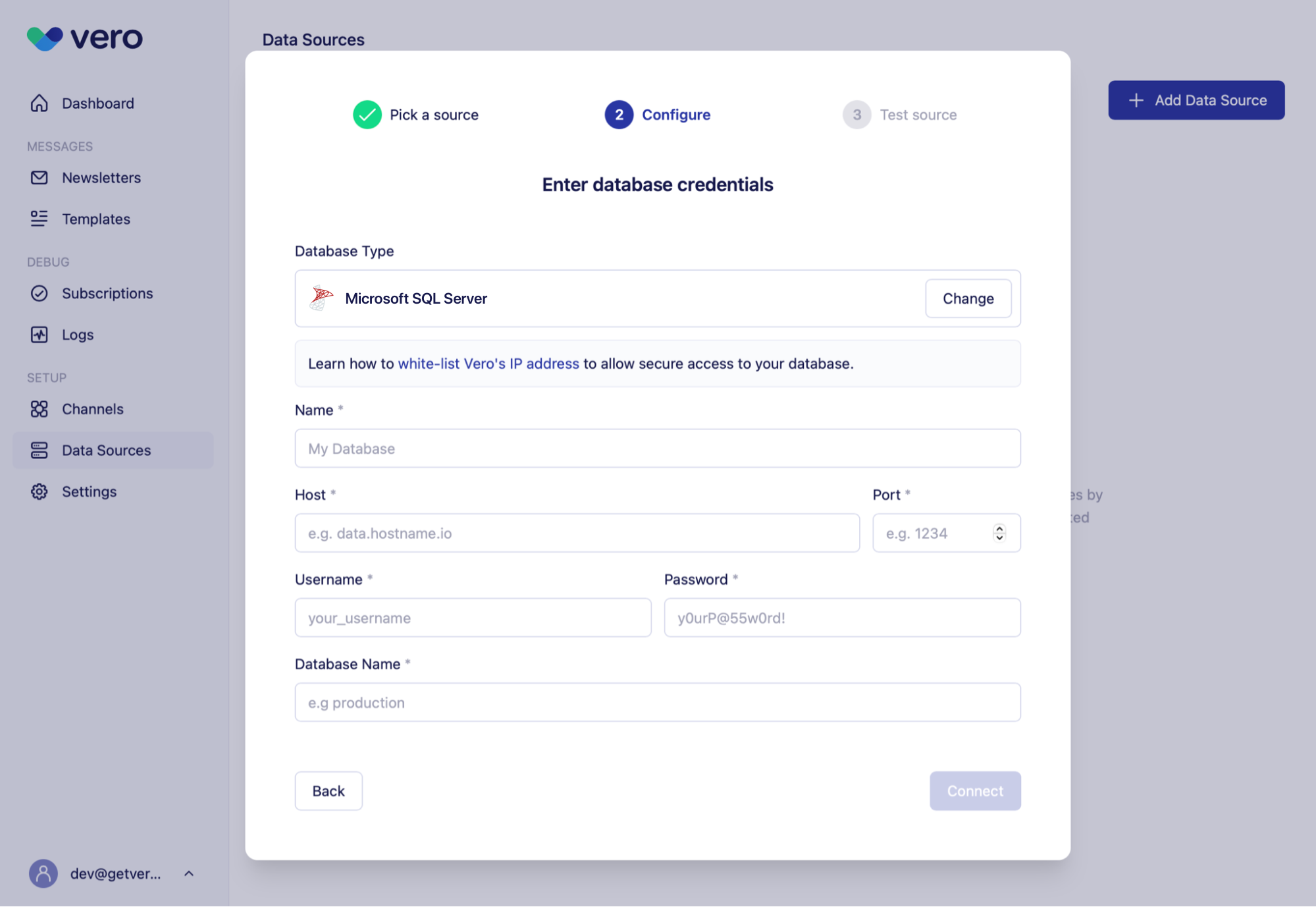
- Host. The web or IP address of the database.
- Port. The port that is accepting connections (e.g. typically 1433 for SQL Server).
- Username.
- Password.
- Database name. The name of the database to connect to.
Testing your connection
Once you’ve entered your database credentials, select Connect. Vero will automatically test the connection: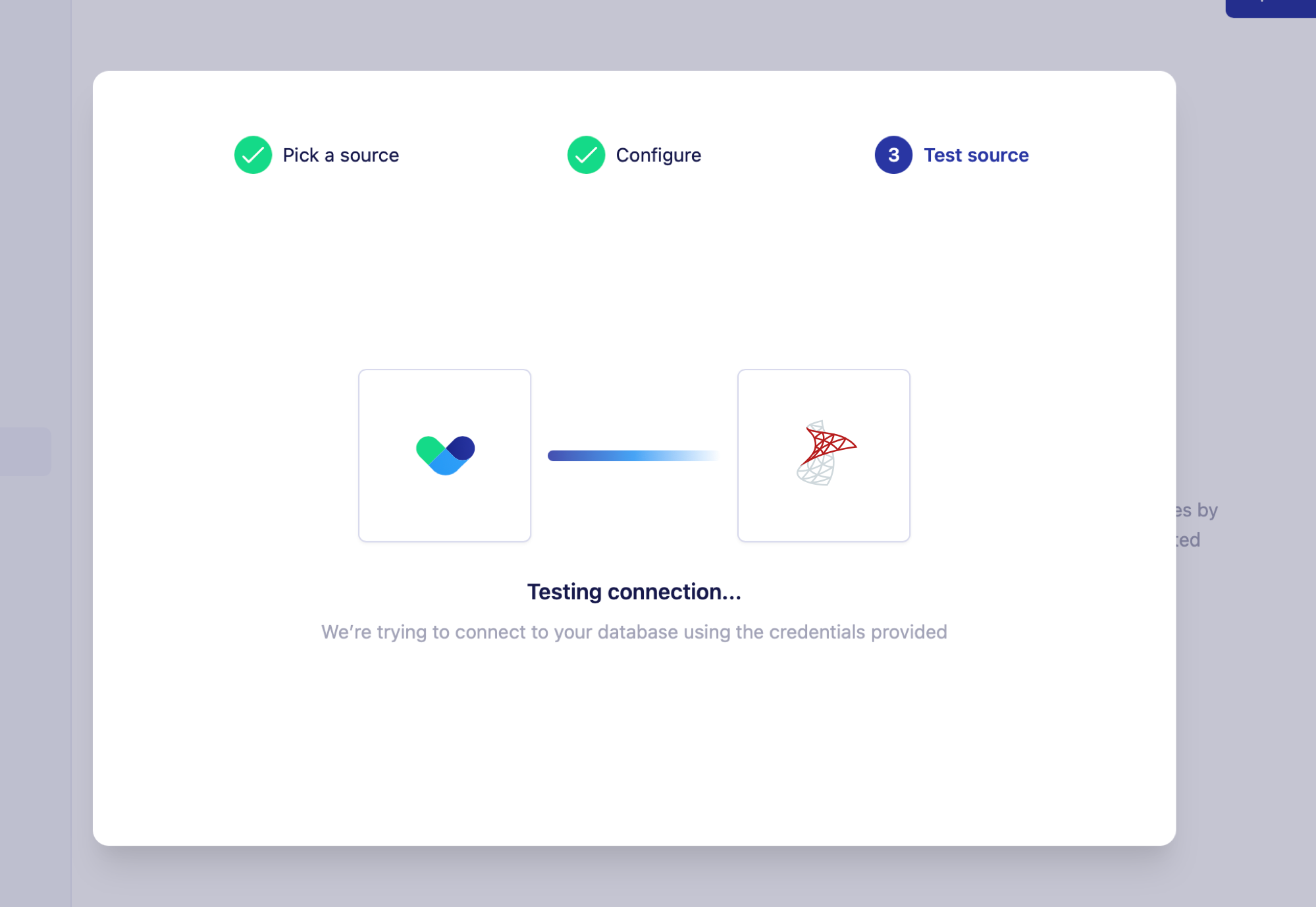
Securing your connection
Create a read-only user
Vero will only executeSELECT queries against your database: it is read only by design.
That said, we would recommend creating a user login that only has read access to your database.
Vero will show users all available tables when using the SQL editor in our UI. Limiting the tables and columns that Vero has access to is good practice.
IP whitelisting
Vero will connect directly to your database over the public internet. This approach requires your network and database to be configured to allow Vero’s servers to connect to it. Find the list of active IP addresses Vero uses to connect to your database here. Whitelist these addresses to secure access to your data.Currently supported MSSQL versions
Vero officially supports Microsoft SQL Server 15+ (2019+) and Azure SQL databases. Note: we require SSL on all SQL Server connections and do validate certificates. If you run into connection issues please email us so we can confirm the certificate configuration needed to support your connection.FAQs
Query limits
Vero will show your query results in blocks of 100 in the UI. In order to load an audience you will need to load your entire query (without aLIMIT clause).
There is no technical limit to the number of rows you can query using Vero’s UI but we have currently tested up to one million rows consistently.
Query timeout
Vero will currently timeout queries after 12 hours.Known issues
We are working to fix these issues:- Amazon RDS SQL Server connections do not work at this time.