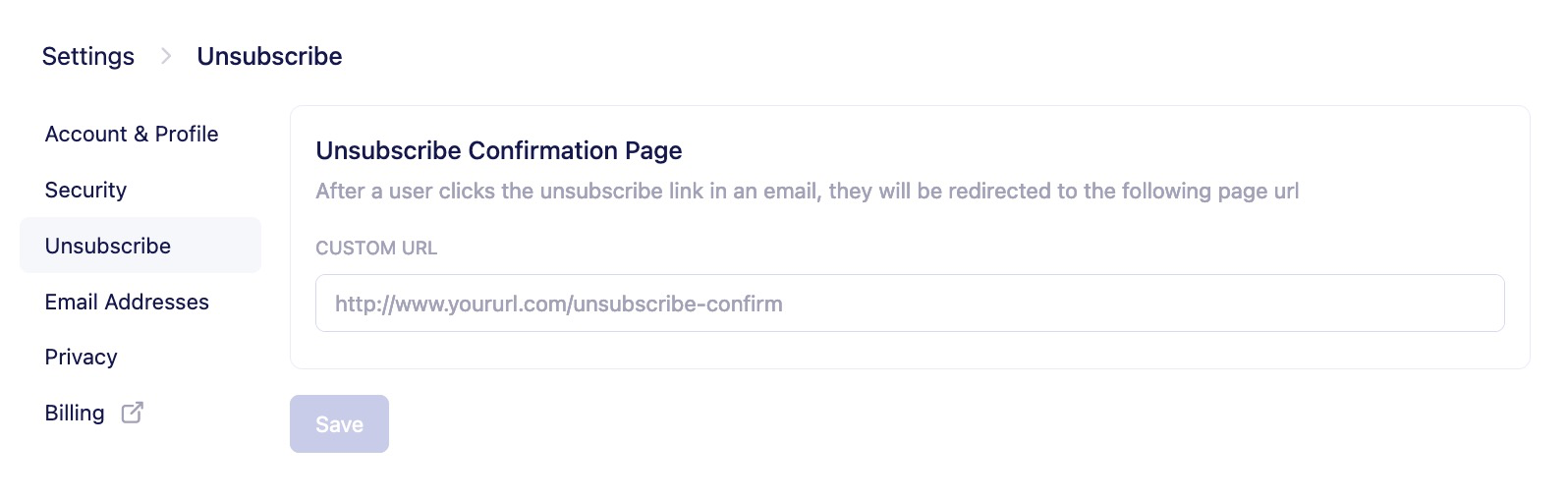
A standard newsletter campaign gives the option to customers to unsubscribe from your email campaigns. In Vero, a customer can click an unsubscribe link in your newsletter and automatically be unsubscribed using one of two options:Documentation Index
Fetch the complete documentation index at: https://help.getvero.com/llms.txt
Use this file to discover all available pages before exploring further.
{{url.unsubscribe_link}} inserts a URL (e.g. http://getvero.com/unsubscribe/xyz) that unsubscribes your customers in one click.
{{url.unsubscribe}} inserts an anchor tag containing the string Unsubscribe and pointing to the link referenced by {{url.unsubscribe_link}} above.
Upon clicking, customers will be directed to the default unsubscribe page provided by Vero: