

Exporting a profile’s activity
- Navigate to Profiles from the main sidebar and open the profile you want to export.
- Click the Activity tab to view the profile’s activity history.
- Click Export all activity in the top-right corner of the page.
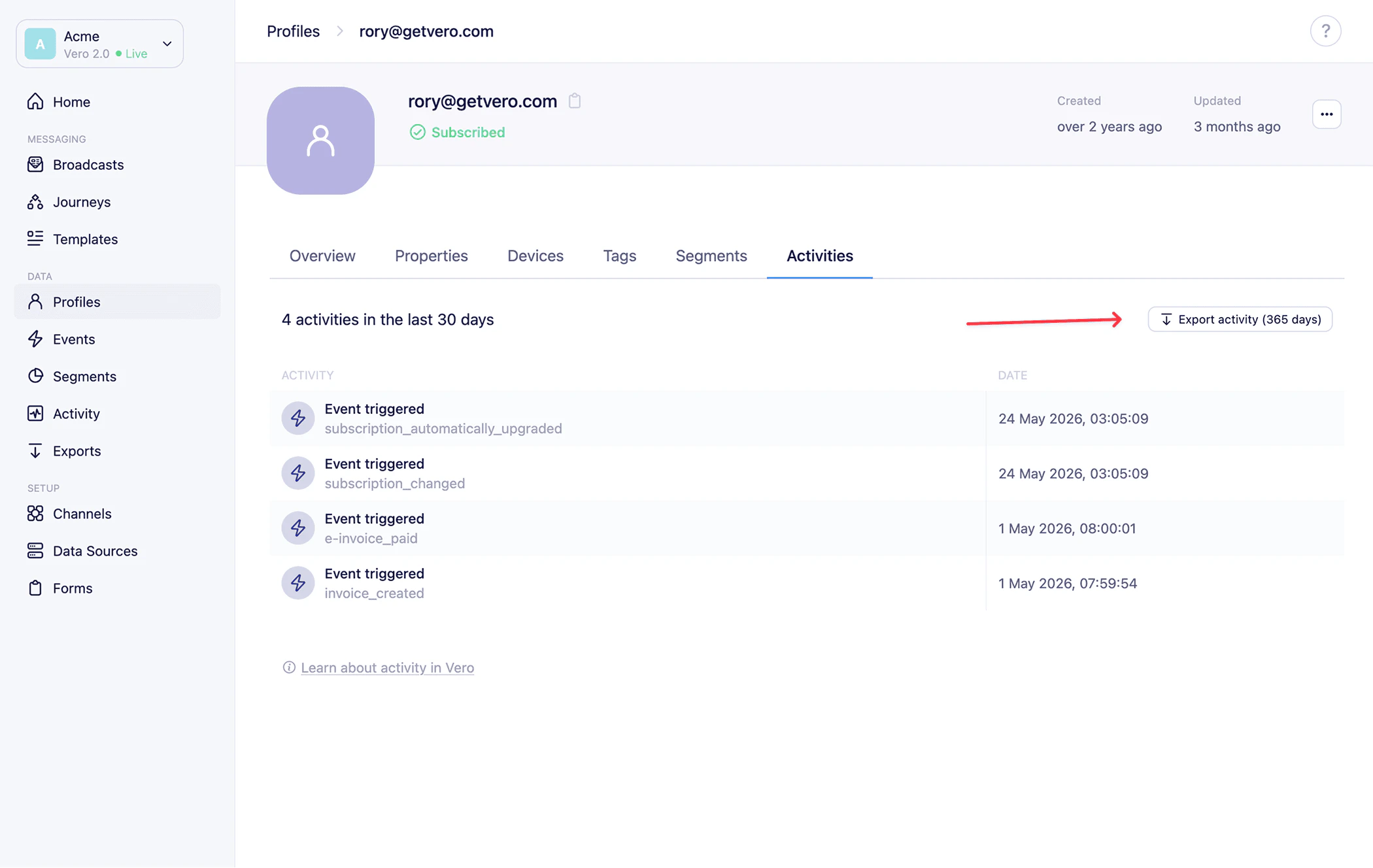
Export the full event and activity history for a specific customer profile as a CSV file.