

- You’d like to send off the top five new products in your store that day.
- Pull in extra information about your users
- You’d like to show relevant items based on the current stock.
- You’d like to send customised content for each demographic (i.e. products based on location or even different languages)
- Using the dedicated “External data source” field when creating a message campaign. Supports adding headers to your API requests.
- Using Liquid filters
{% fetch_html %}or{% fetch_json %}. Supports multiple APIs in a single message.
Add an external data source
To add an external data source for your email, you can use the External Data section of a campaign to add the API endpoint that will return JSON data. The JSON response is automatically loaded into a variable namedexternal.
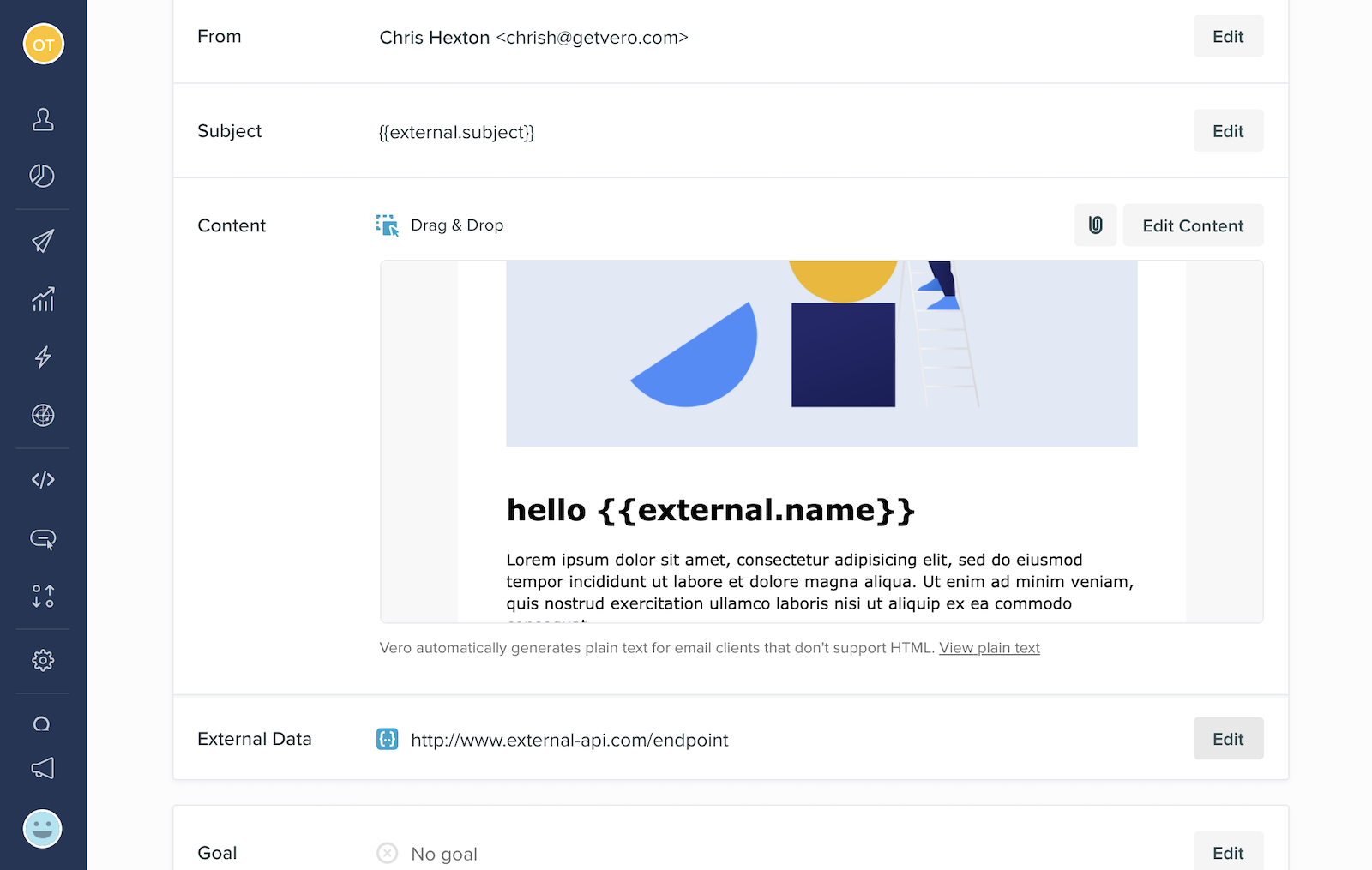
https://jsonplaceholder.typicode.com/posts/1. This URL returns the following data:
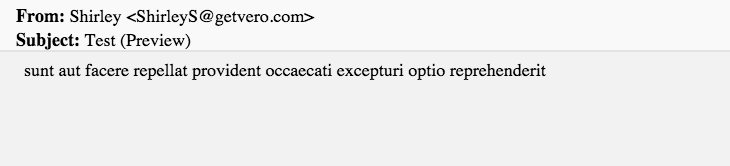
{{external.title}} inside of your content to load the content sunt aut facere repellat provident occaecati excepturi optio reprehenderit as per the following screenshot:
Adding headers to your API requests
The External Data section supports adding multiple headers to the API requests Vero makes on your behalf. Headers can be used to store API keys and tokens used to authenticate API requests.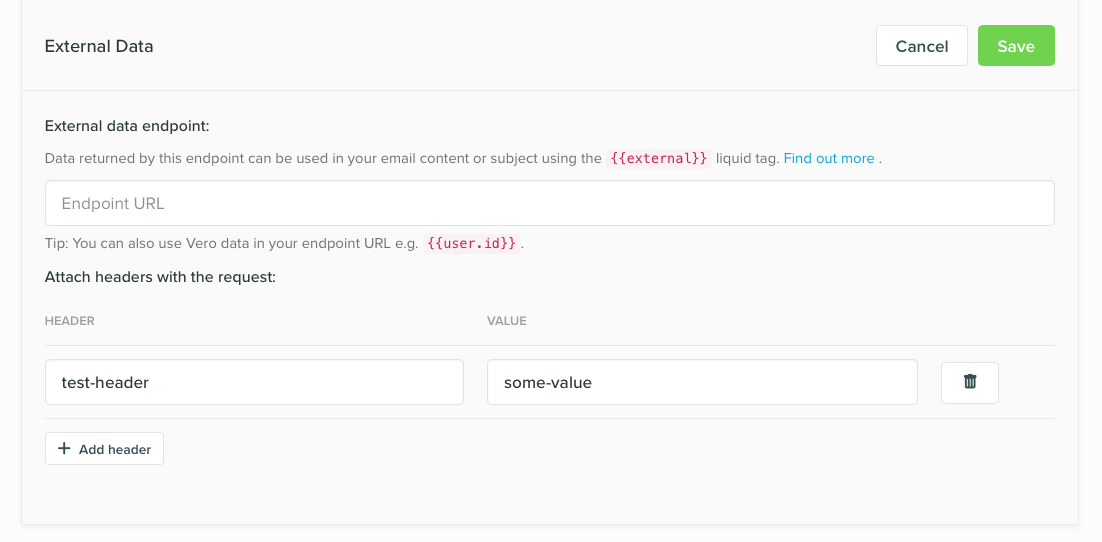
Using Liquid merge tags and filters
Fetch HTML content
Liquid is the templating language used by Vero to dynamically insert data in your outgoing messages. We’ve built a custom “filter” using the Liquid templating language. A filter is essentially a “function”. Thefetch_html filter allows you to make API requests that return custom HTML. You can also pass data stored in Vero to your server so that you can use it to manipulate and customize the HTML content you return. HTML that is returned is inserted into your email directly where the fetch_html tag is used.
 This would then be replaced with the correct HTML upon sending.
Fetch JSON data
Thefetch_json liquid filter works in a similar way as the fetch_html filter above but expects a JSON response (instead of a HTML response).
For example, the following Liquid code assigns the JSOn response from your API endpoint to the variable product:
product Liquid variable. In this example our JSON response contains a key called product_name that we can use to print the name of the product.
Empty Content
If a Fusion request receives a response with empty data or content, we will discard the email. This is to prevent emails going out with missing content.Response codes and retries
Fusion expects to receive a200 response code in order to send emails.
If a Fusion request receives a 204 response, it will not retry the request and Vero will discard the email immediately. This can be used to tell email to discard certain emails to customers, or to prevent Vero from retrying a failed request. For example, if you didn’t want Vero to retry requests, you could develop your API to catch errors and return a 204 in the event of any failure.
If a Fusion request receives anything other than a 200 or 204 response code, it will continue to retry the request up to five times.
Note: Vero retries emails with failed Fusion requests at increasing intervals. If your endpoint continues to return non-200 response codes, the fifth attempt could be several hours after the initial request was made.
Authentication
Fusion supports basic HTTP authentication or authentication using headers. For basic HTTP authentication, add details to your URL using the formathttps://username:password@yoururl.com/data-feed.json. This is supported by both the Liquid fetch_html and fetch_json and the External Data methods.
Headers support any valid header-based authentication method. Read more in Adding headers to your API requests section above.
Fusion is an advanced feature. Please get in touch with our support team via email so we can show you it in action.