

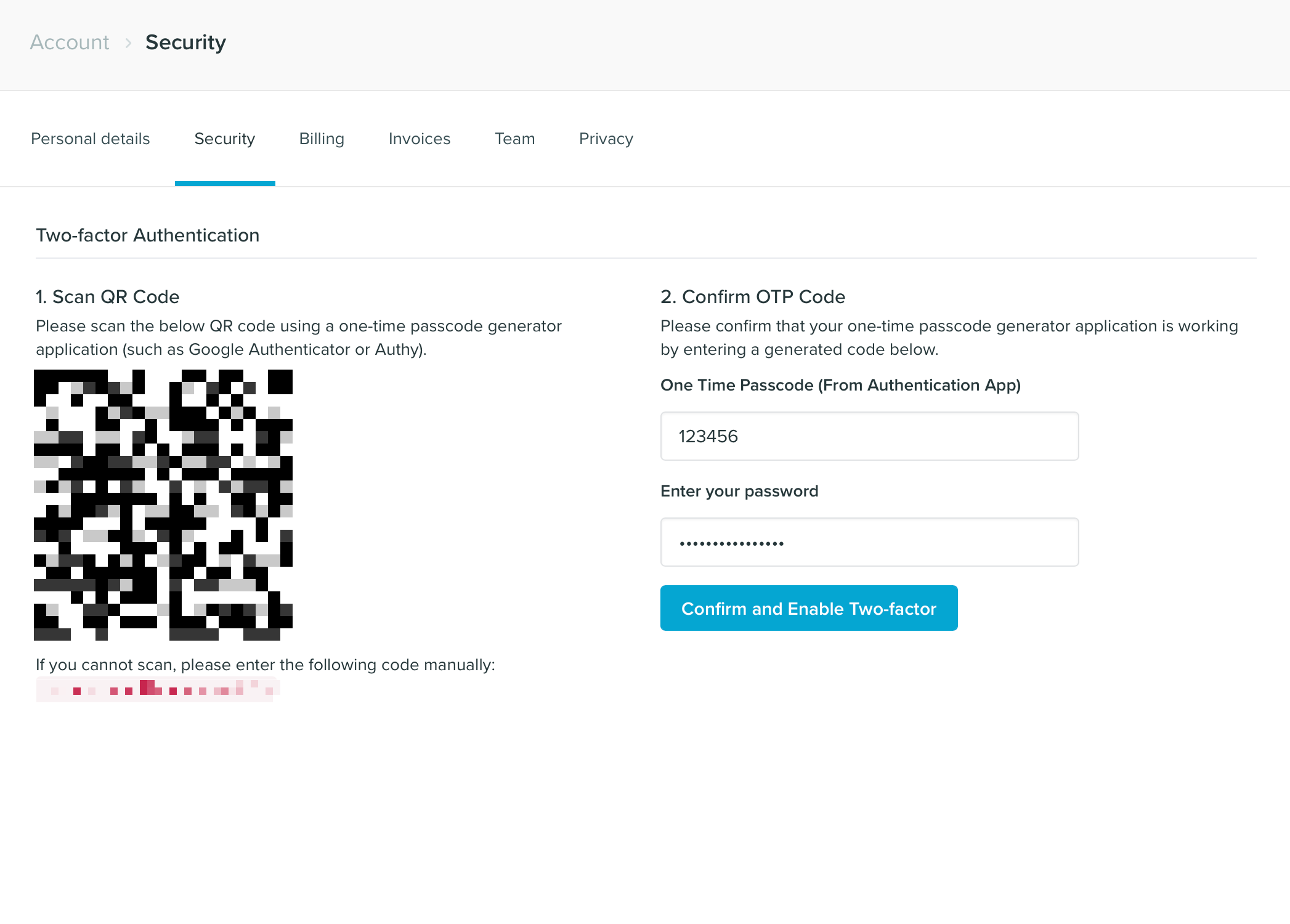
- Scan the QR code with your chosen one time code generator app.
- Enter the generated code into the One Time Passcode box.
- Enter your password and click Confirm and Enable Two-Factor.
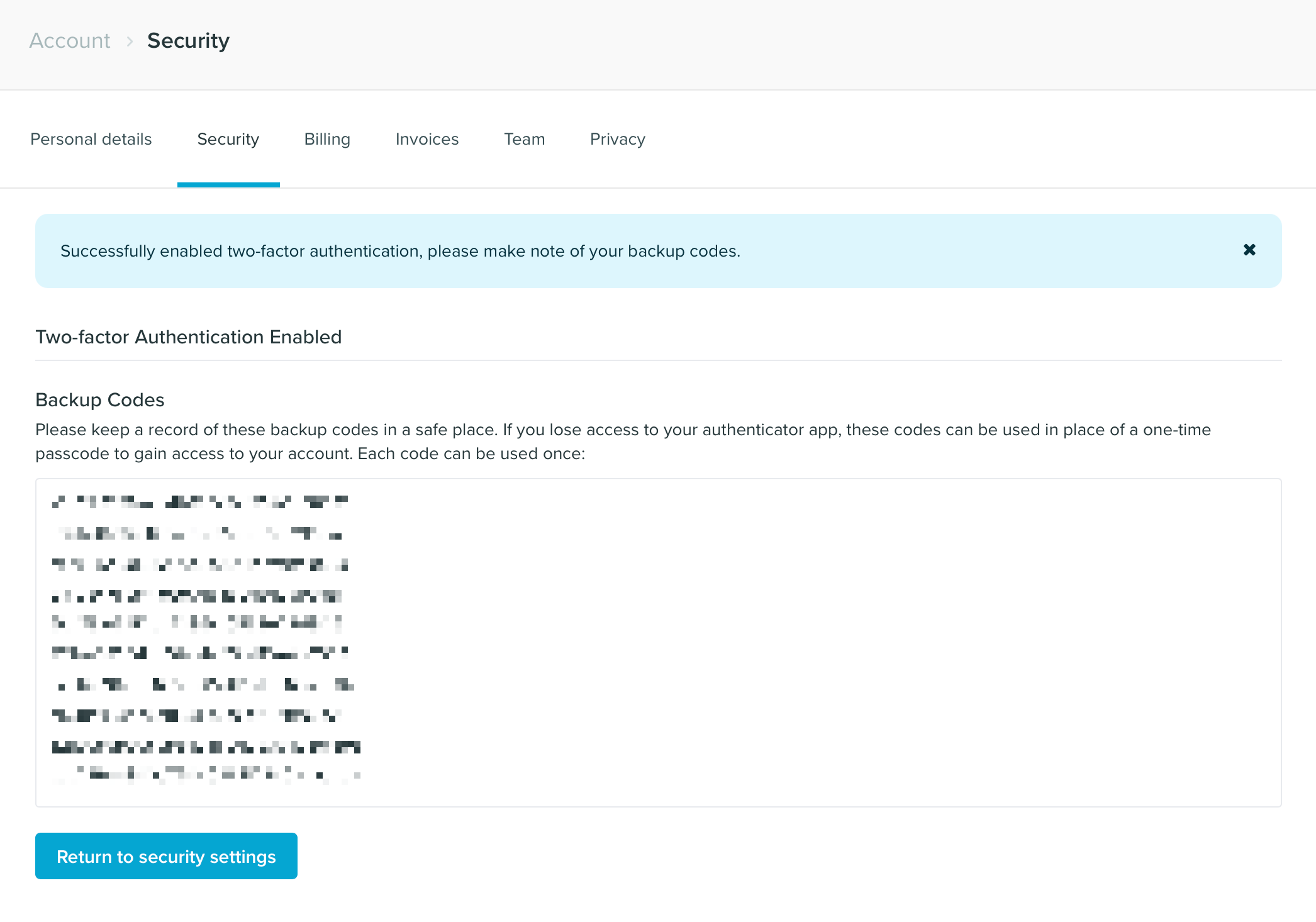
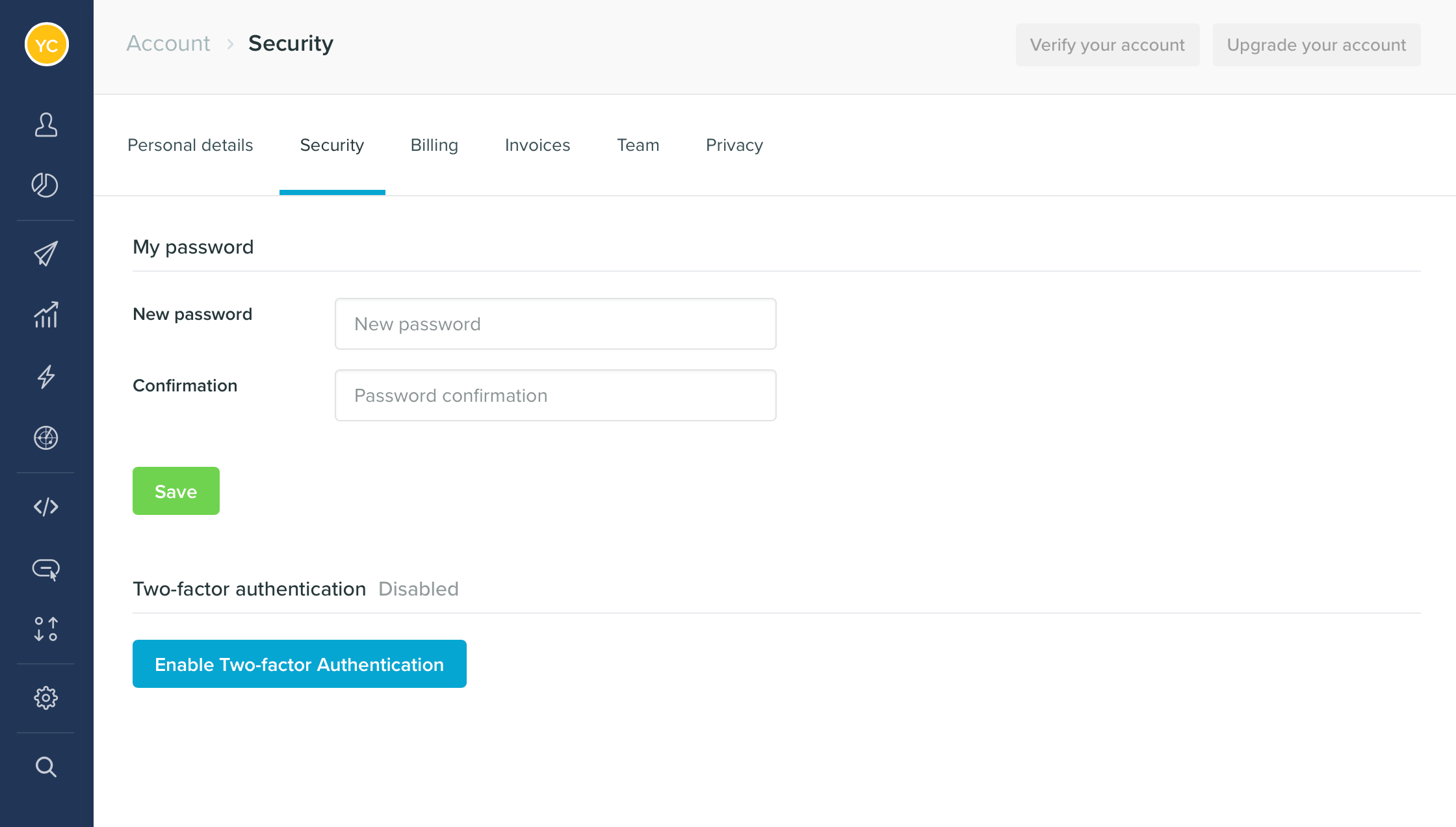
Enable two-factor authentication to add an extra layer of security to your Vero account.