What is Plain Text?
The main types of content you can send with Vero are all based on and output HTML. Most email clients fully support HTML so this is the best way to include your customised styling and layouts in your messages. Plain Text is a very basic, text only version of email content that includes absolutely no styling or HTML whatsoever. For full compatibility and accessability, its standard practice to include a plain text version of the message alongside your HTML version.How does Vero handle plain text?
When you send an email with Vero, a plain text version is automatically generated from the content you add via HTML, Drag and Drop or Rich Text. This generated plain text version is sent with the normal version to leave it up to the customer and their email client to decide which format is to be displayed: This helps ensure two things:- Complete compatibility - certain mobile devices and other, older, email clients prefer plain text.
- Customer friendliness - leave it up to your customers to turn off HTML formatting if they desire. At least they will still receive the quality emails you are sending!
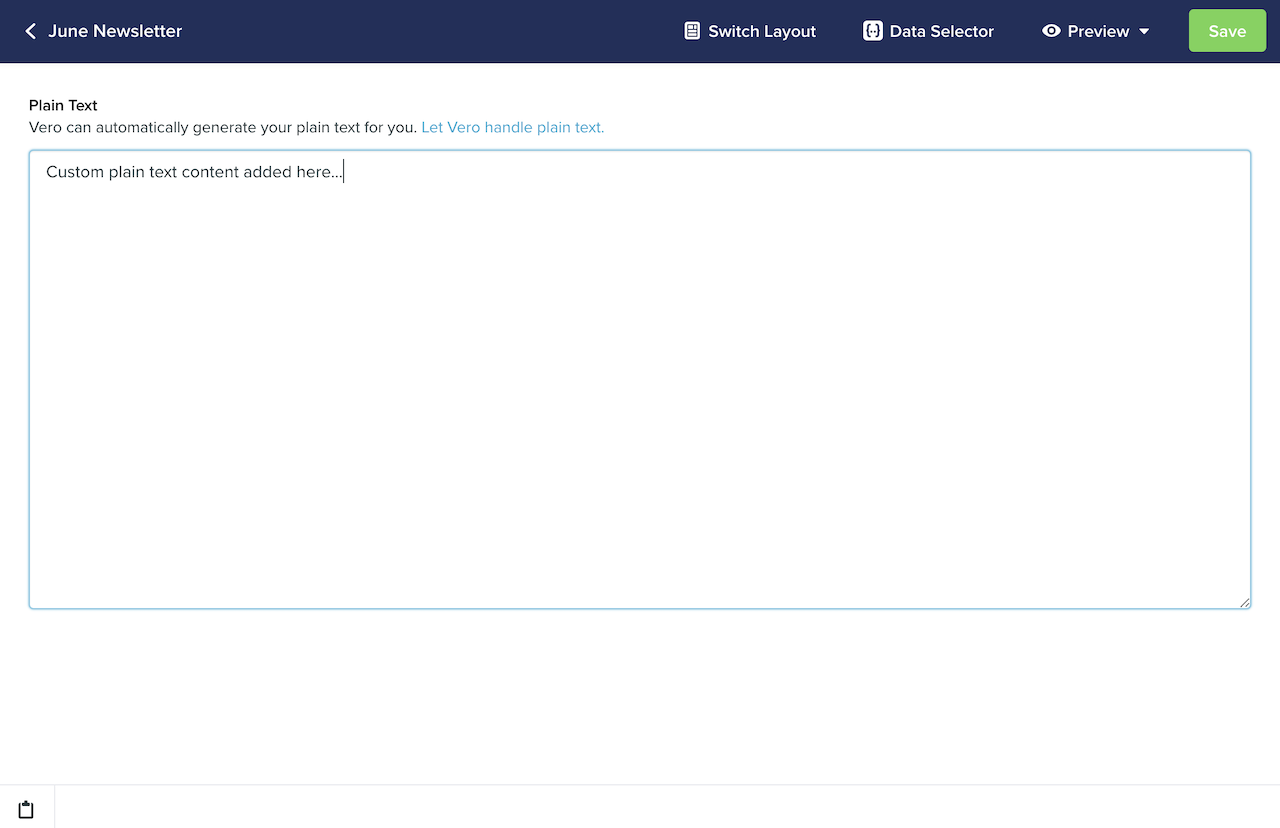
Customizing the Plain Text content
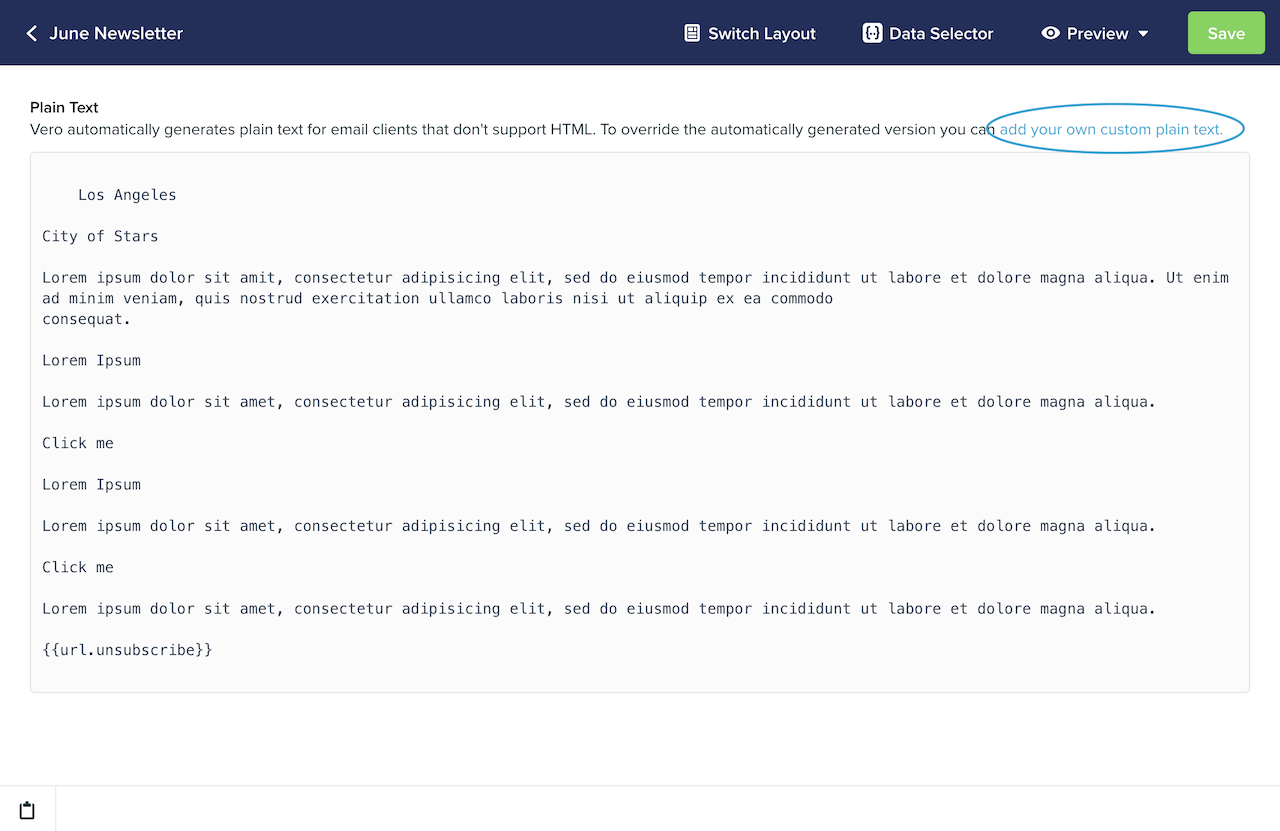
To view the automatically generated plain text version of your email, click the View Plain Text link underneath the content preview.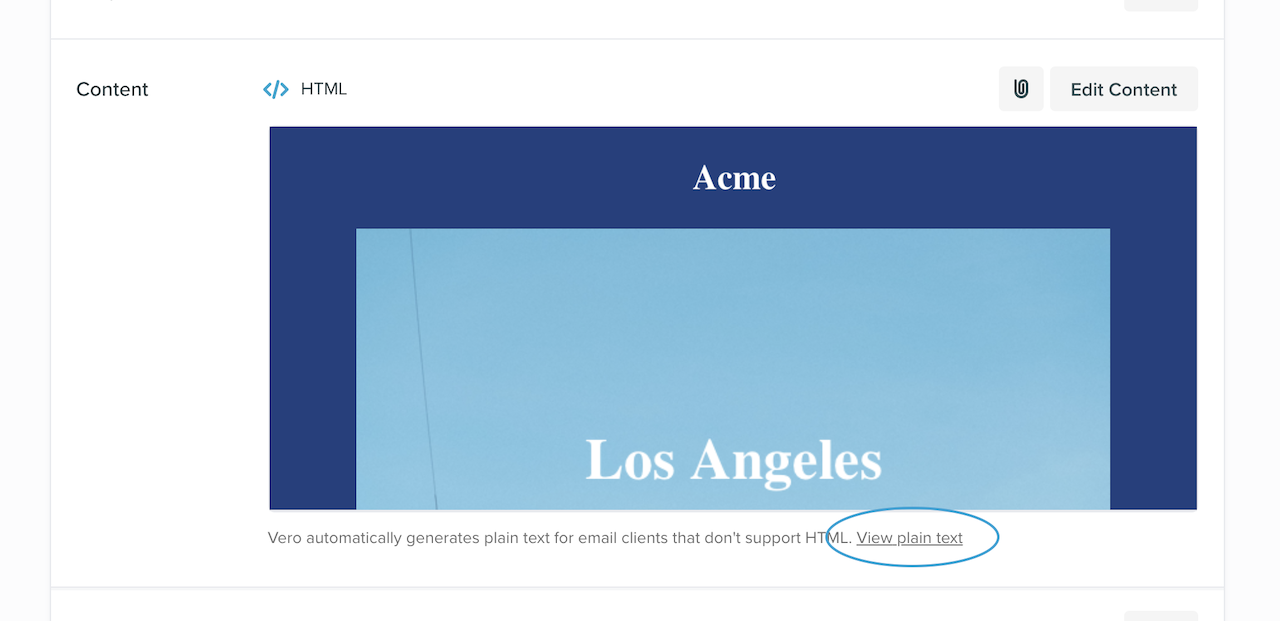
Sending Plain Text only
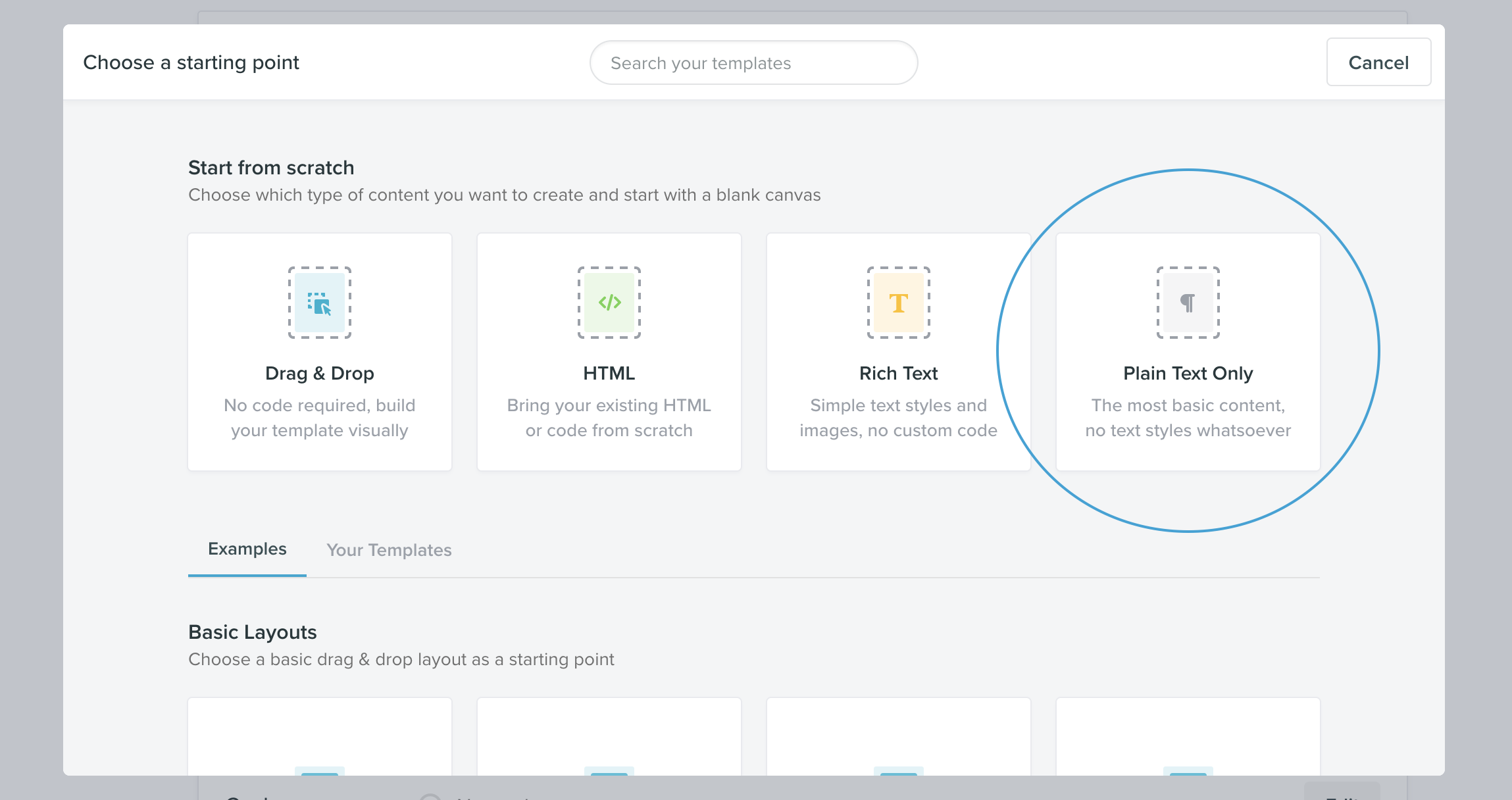
In certain scenarios you may want to send an email with single plain text only and no other content. To do this, you can choose the ‘Plain Text’ option when creating the content for your campaign.