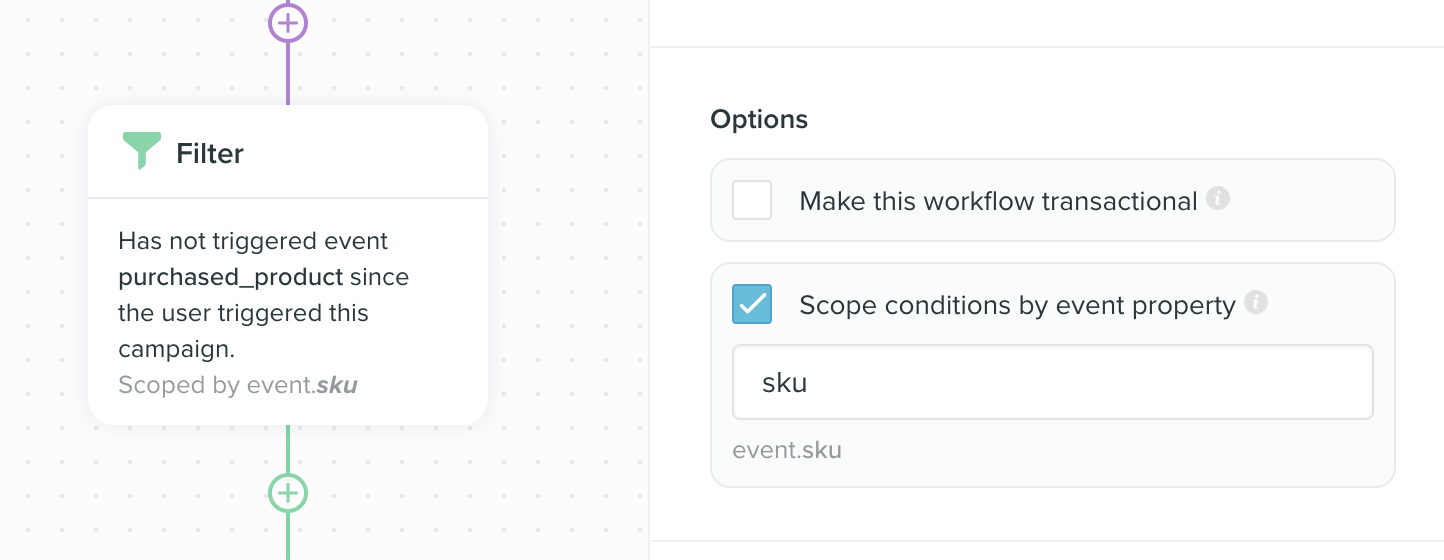
scope by filter is an advanced feature used in event based campaigns in Vero. The best way to illustrate the scope by feature is an example.
Imagine you are an eCommerce store, selling products A , B and C and that you track an event in Vero called viewed_product whenever a customer views any of your products. Whenever a customer purchases a product, you also track an event called purchased_product.
An ordinary abandonment campaign
In this example, you would likely track the following event properties with yourviewed_product and purchased_product events:
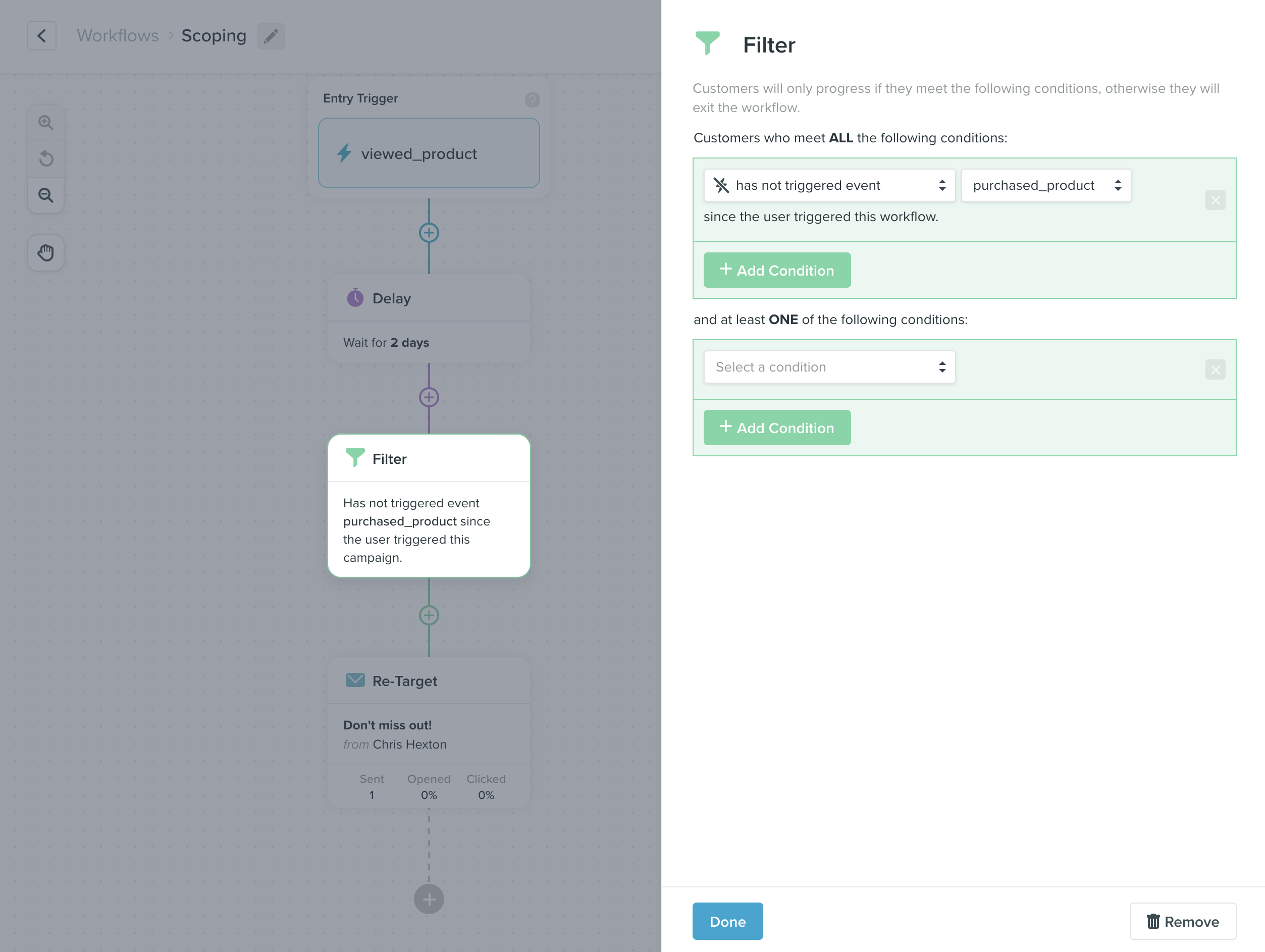
viewed_product for products A , B and C , this campaign would be triggered for evaluation three times.
At run time, Vero will check the conditions. In the screenshot above, we can see that Vero will only send the email if the user has not triggered purchased_product. If you don’t use the scope by feature, then if a customer triggers purchased_product for any of the products A , B or C , this email will not be sent as they will not meet the conditions.
An abandonment campaign using ‘scope by’
If you want to ensure that customers get your follow up email for each of the products they don’t purchase independently, you can tell Vero to evaluate the conditions of the email by scoping each evaluation with an event property. For example, the propertysku could be used to ensure the trigger event and any events in the conditions are only evaluated in relation to the same product.
When evaluating the campaign, Vero will check that both the viewed_product and purchased_product events have the exact same sku value.
Here is an example of how you would configure this in Vero: