Freshpaint is a customer data platform that standardizes customer data across your analytics and marketing tools. You can track data from Freshpaint into Vero to customize your segments and personalize your campaigns. To set up Freshpaint visit their Quickstart Guide. We suggest setting up events, identify and properties to get the most out of the platform. To integrate follow the steps below:Documentation Index
Fetch the complete documentation index at: https://help.getvero.com/llms.txt
Use this file to discover all available pages before exploring further.
- Login to your Freshpaint account.
- Configure destination (to Vero).
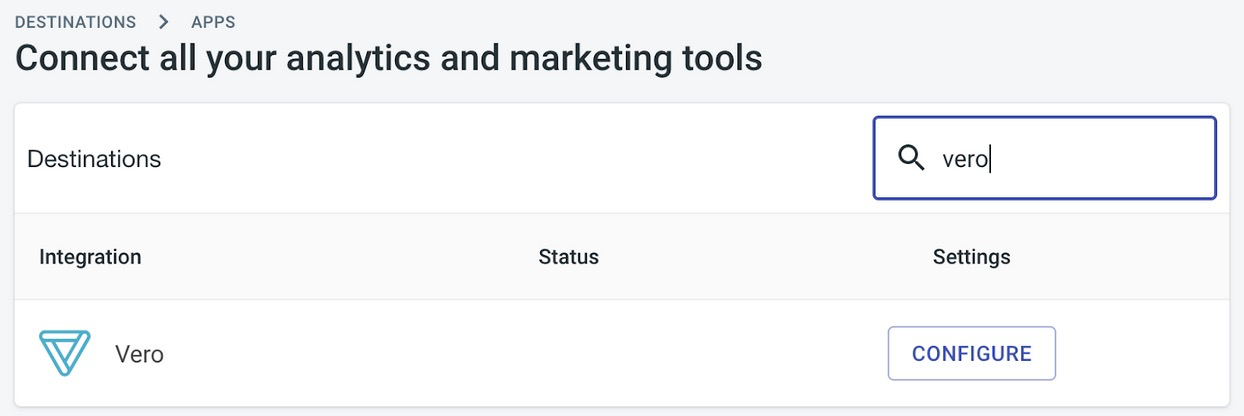
- Navigate to the destinations > apps page and scroll down to the Vero destination:
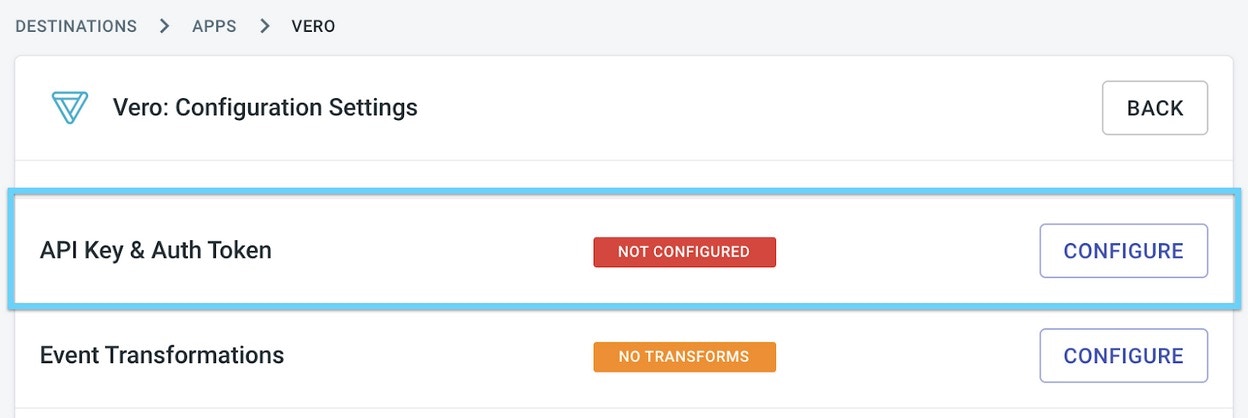
- Configure the “API Key and Auth Token”. These can be found in Vero’s project settings.
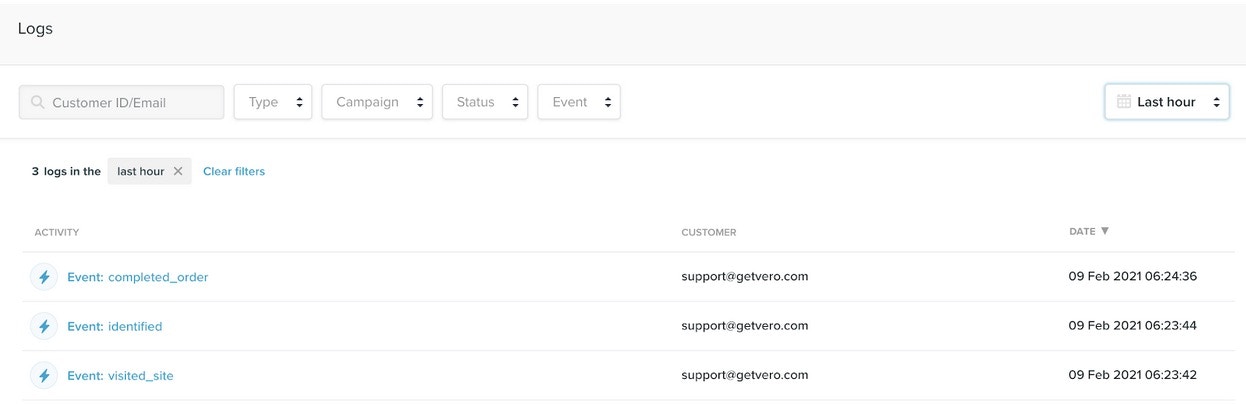
- Verify data is flowing into Vero.