

event. Events are customer actions, tracked using Vero’s API. Learn more about events.
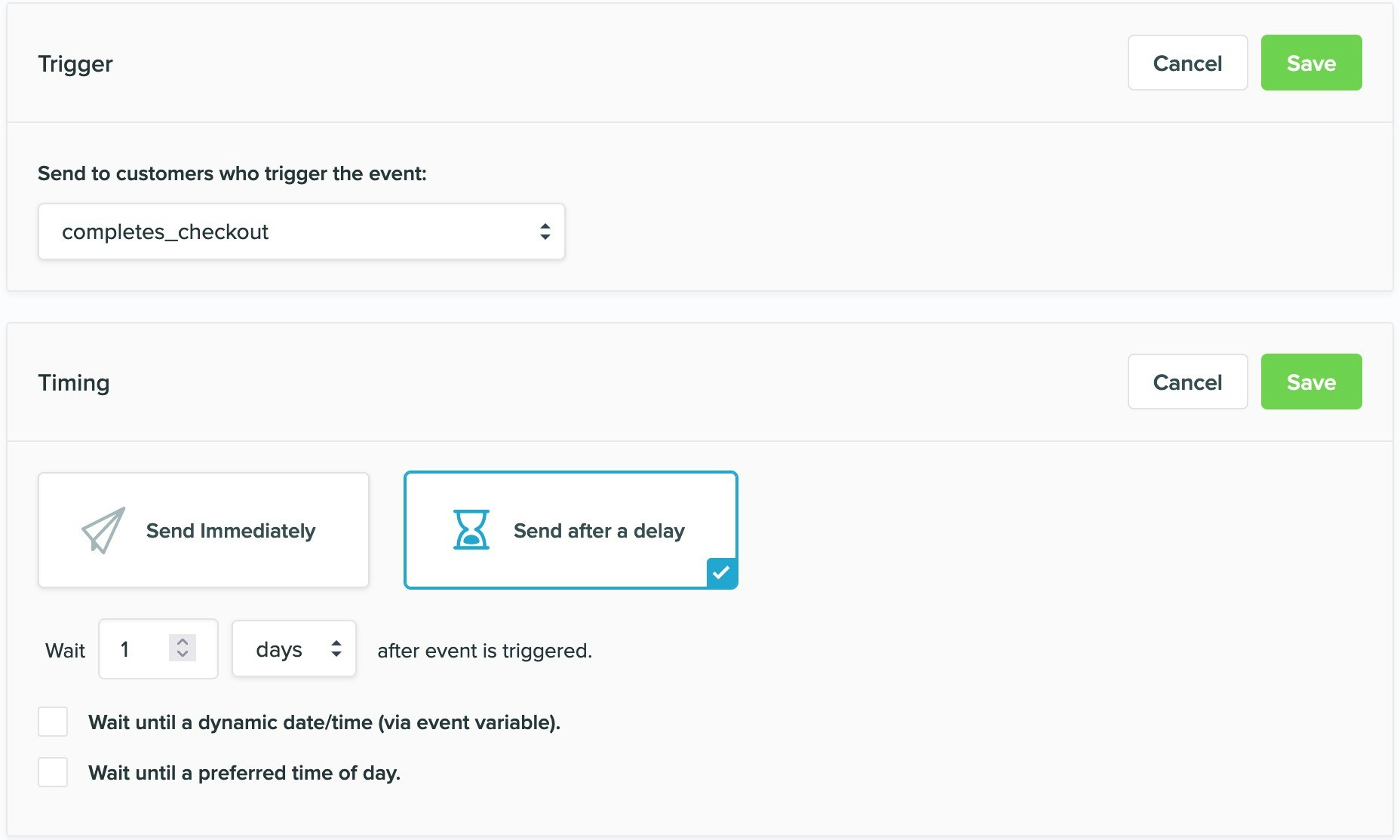
Why a campaign was or was not sent
The Logs menu in Vero is a complete, real time history of ever customer that is identified, every action a customer triggers and ever campaign a customer receives. As all transactional and behavioral emails are triggered by anevent, Vero records whether a campaign was or was not sent as part of the logs for the trigger event. To view the emails triggered by an event, select View logs on the campaign page.
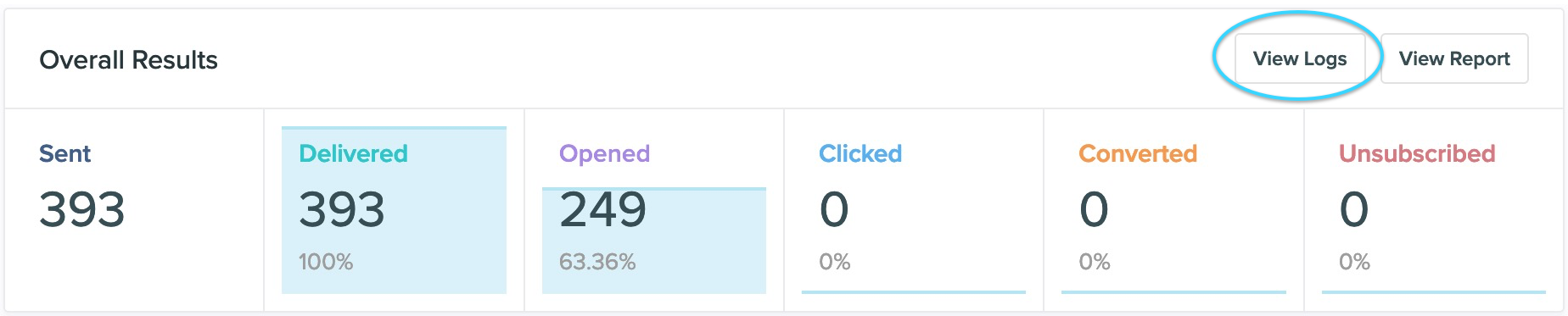
event is recorded in the trigger log and its status (sent or discarded).
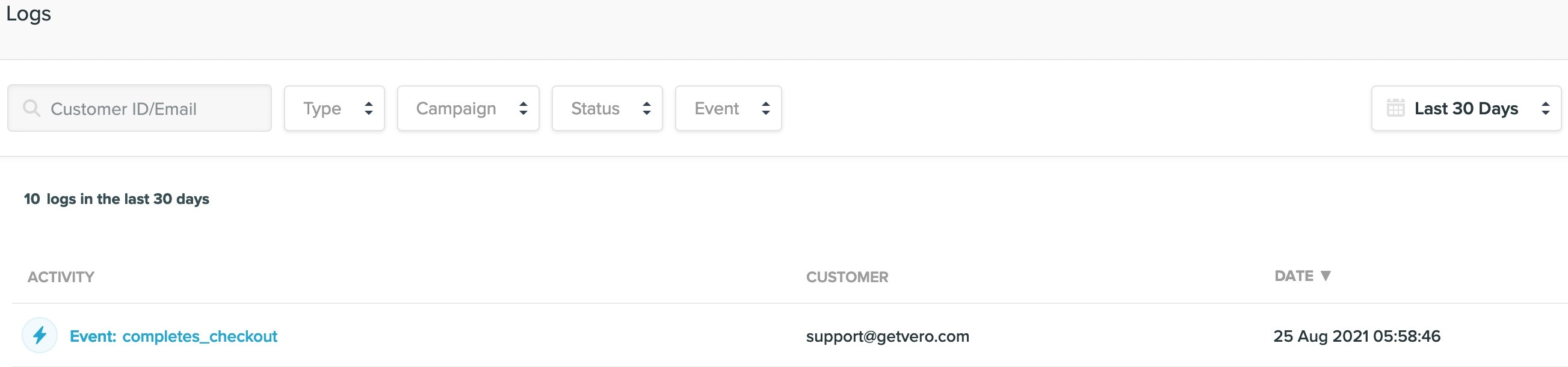
discarded, Vero will also detail why that particular email was discarded.
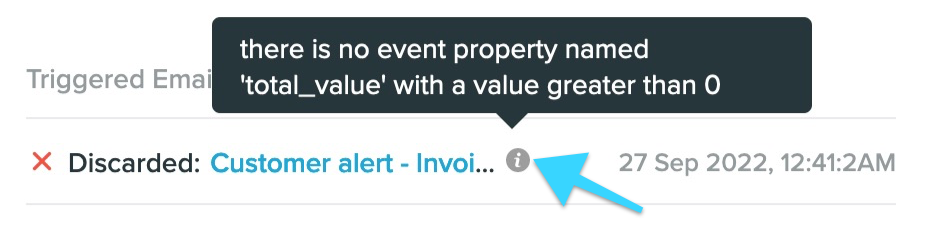
Viewing the discard reason
When an email is discarded in Vero, you can typically find the reason behind the discard in the Logs. This can be found at the bottom of eachevent log for a customer by waving your mouse over the question mark icon.
Diagnosing a log with no discard reason
Occasionally, you may run into a log that doesn’t offer a discard reason.
-
You are using a dynamic TO or FROM
email address. You may use a dynamic email address on your campaign (ex:{{user.billing_address}}or{{event.secondary_email}}) in which upon sending the campaign the system finds that this user or event property is empty. - You are using a dynamic attachment. You may also use a dynamic attachment on your campaign which, just like the TO or FROM address may come up empty upon sending the campaign and will cause the email to be discarded for that customer.