

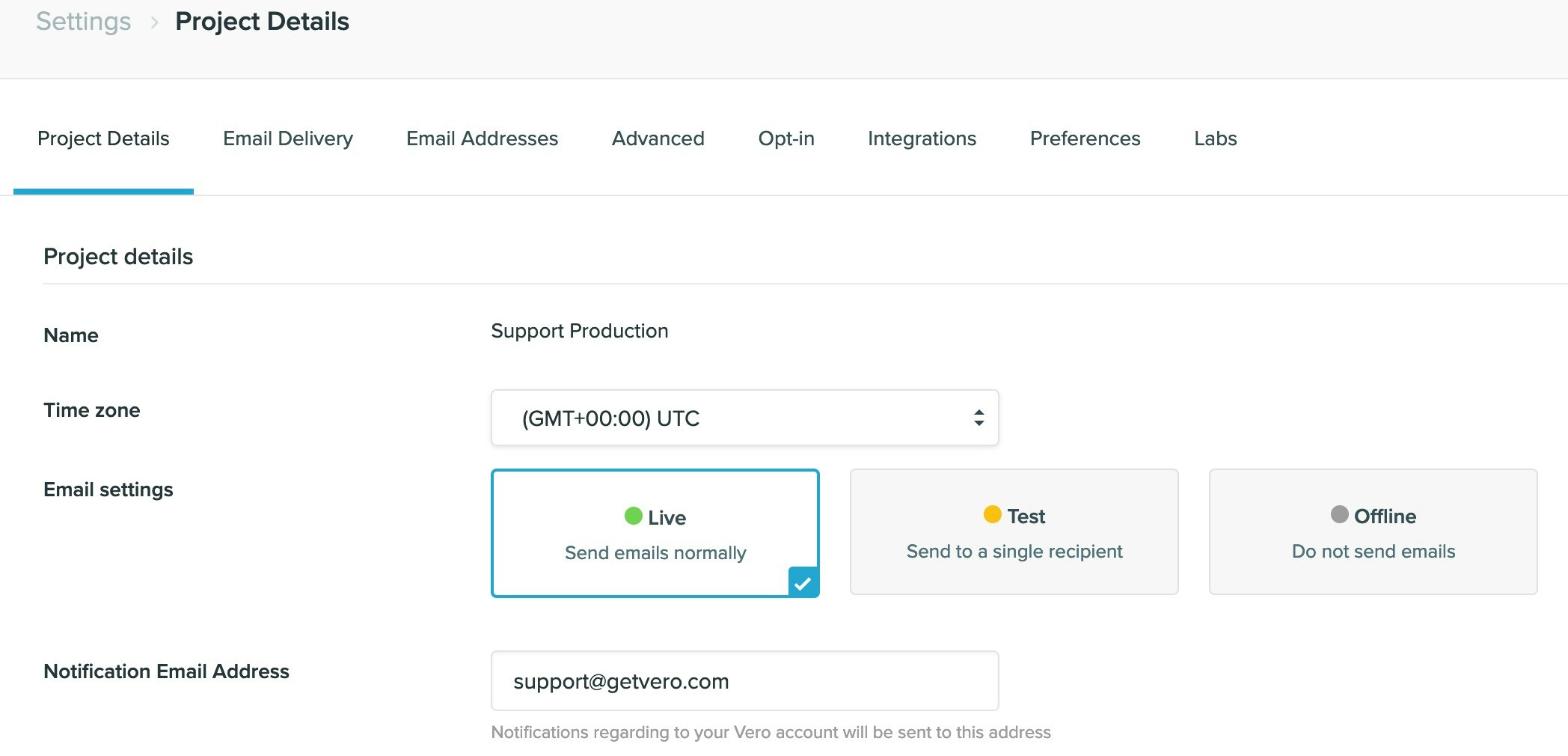
Every Vero account comes setup with two Projects. The first project, named when you enter your Company’s name at signup is in Live mode. The second project, named “Test” is set in Test mode. Projects are entirely separate Vero instances, with their own user databases, their own API keys, their own access rights and their own template libraries. We recommend you use the test project with the development or staging version of your web or mobile application. To do so, simply set Vero up as normal but ensure you use the API key from your “Test” project.Documentation Index
Fetch the complete documentation index at: https://help.getvero.com/llms.txt
Use this file to discover all available pages before exploring further.
Sending modes

- Live - In this mode, emails are sent out to the user’s that trigger them.
- Test - In this mode, emails are sent to a specified email address when triggered by an end-user. In this way, you can see an exact copy of the email each customer has triggered. This is good for testing initially or with small data sets.
- Offline - In this mode, emails are not sent out, but are still evaluated as events come in. This is the safest mode to use when installing Vero.

