

Logs
- Navigate to the campaign.
- Click “View logs.”

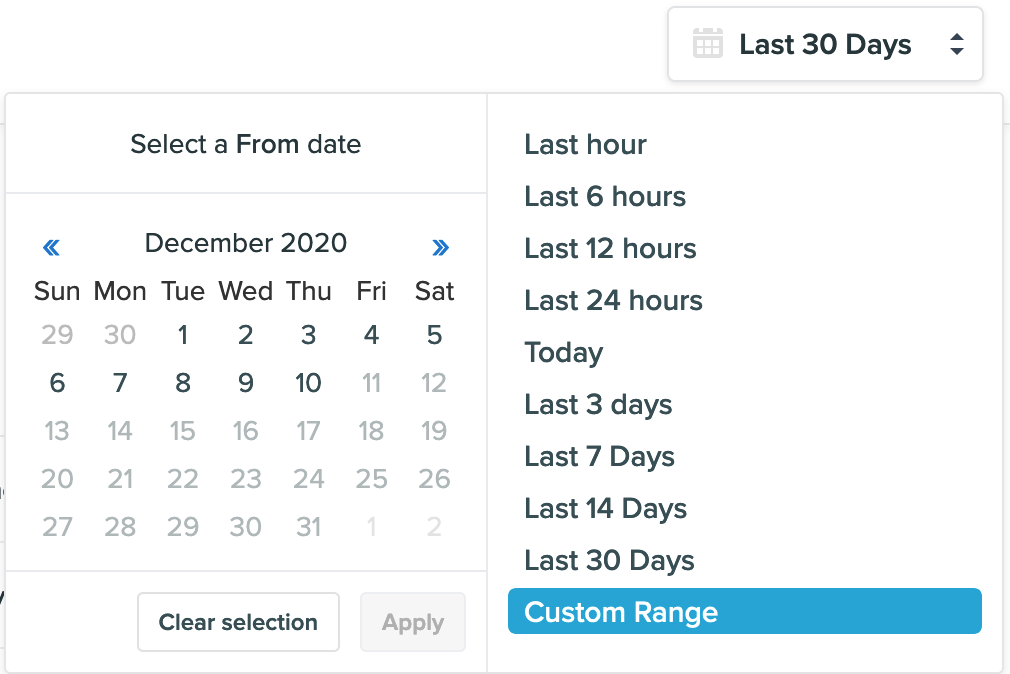
- You will be directed to the Logs Page where you can now select a date range and view the user logs.
Reports
- Navigate to the campaign.
- Click “View report.”

- You will be directed to the Reports page where you can also select a date range and view the campaign engagement report for the selected date range.