Locking Snippets If you would like snippet content to be editable and those changes synced across all campaigns using the snippet, select “Lock the contents of this snippet” in the dialog box when saving:
  Editing Locked Snippets All locked Snippets will now be outlined in pink and have a small padlock in the right corner. To edit a locked Snippet, click on the Snippets section and there will now be an “Edit Snippet” button.
  Any edits made to a locked Snippet will then be synced across all campaigns that are using that Snippet.
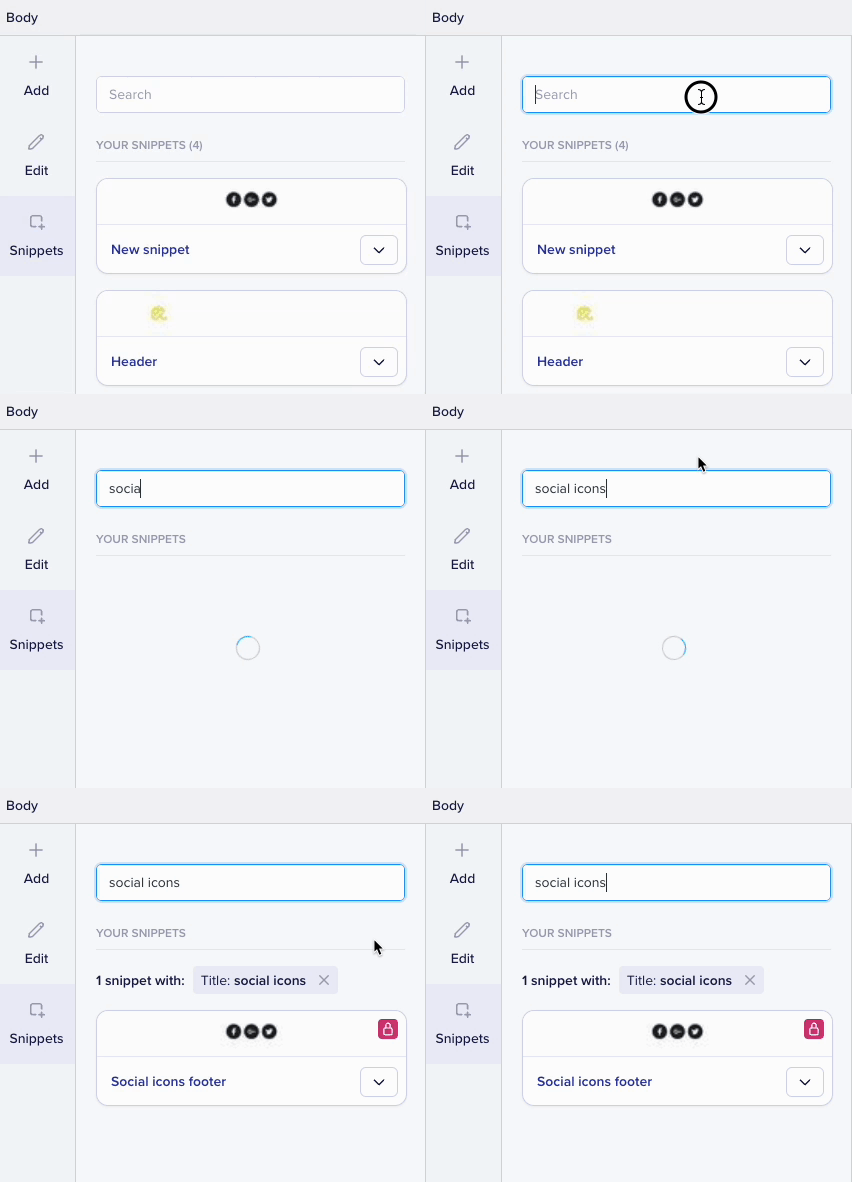
Saved Snippets Once you have started saving your Snippets, you are able to search and insert from the Snippets menu in the Selector on the left hand side.
Any edits made to a locked Snippet will then be synced across all campaigns that are using that Snippet.
Saved Snippets Once you have started saving your Snippets, you are able to search and insert from the Snippets menu in the Selector on the left hand side.