Export customers
You can export a list of customers and their properties that belong to any segment. To do this, select a segment and then click Export in the top right of the screen. The output file includes the ID, email address and all other properties of each customer in CSV format.
Export reports
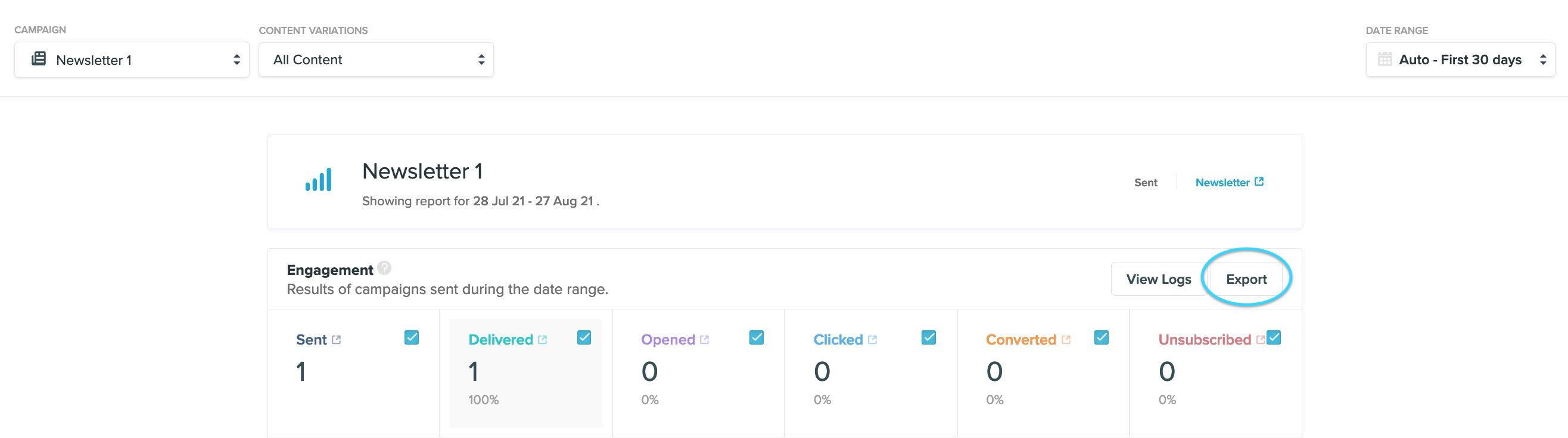
You can export the results of an email campaign. To do this, visit the Reports menu and filter down to the campaign data you want to export. Click Export in the Engagement section.