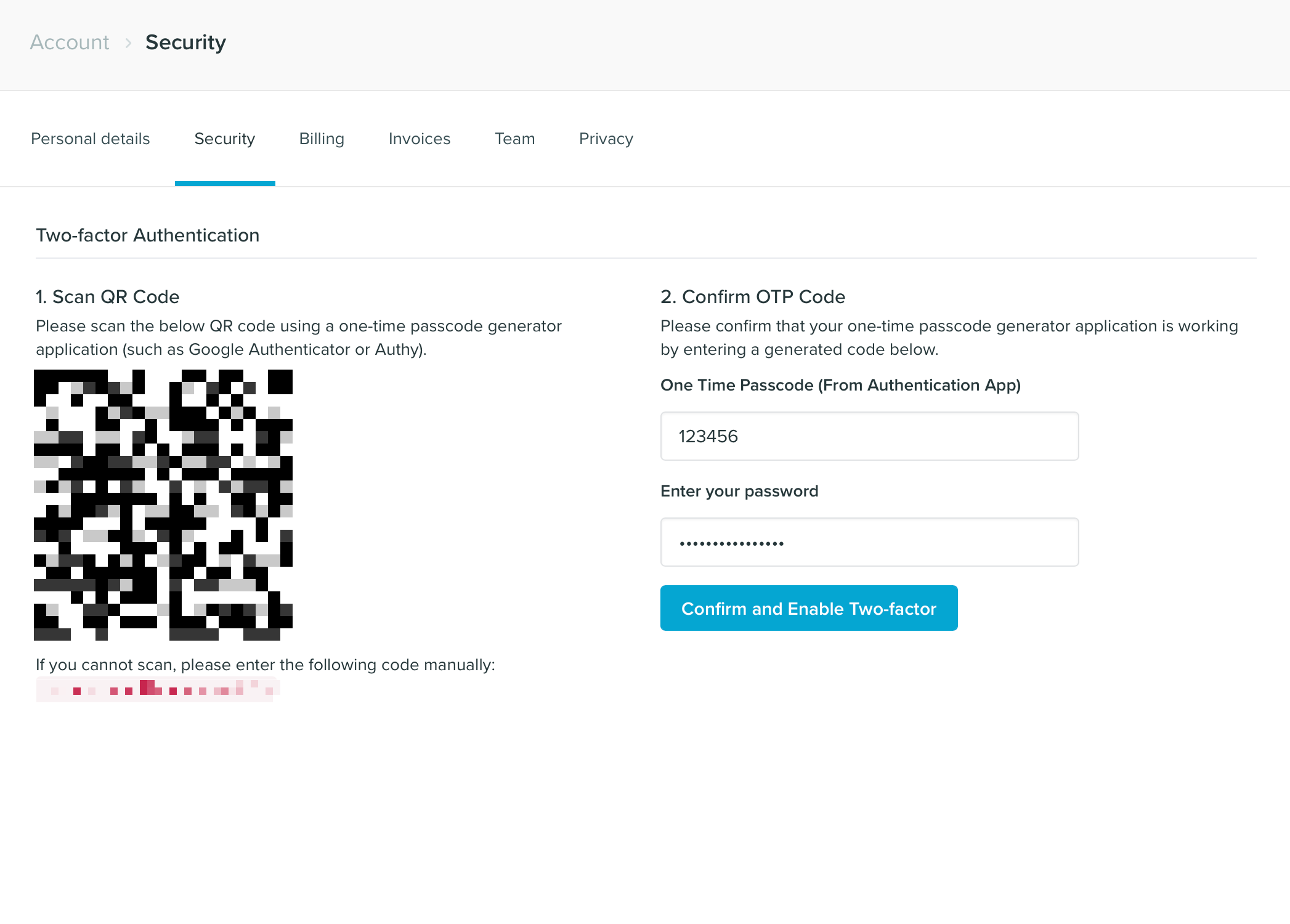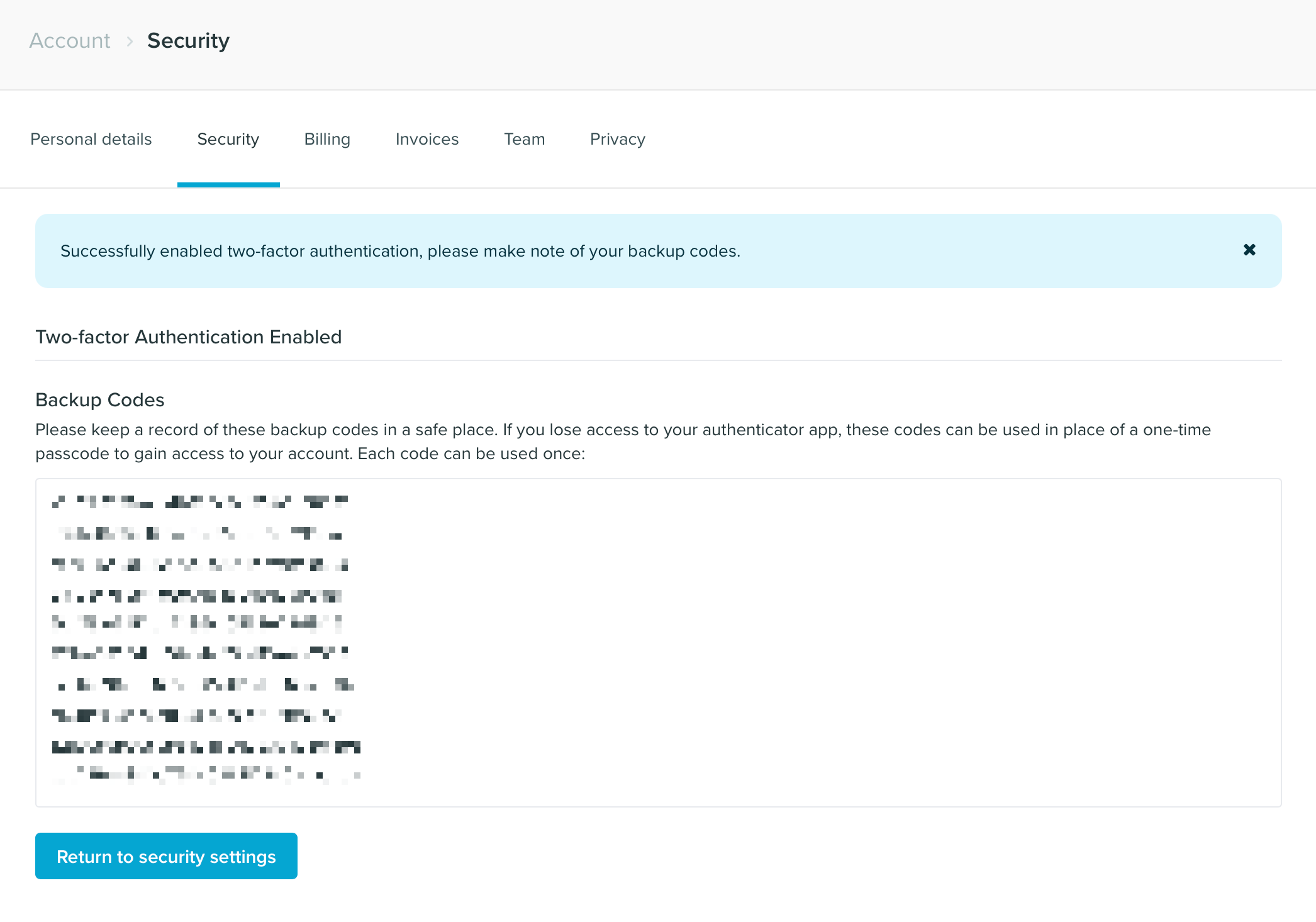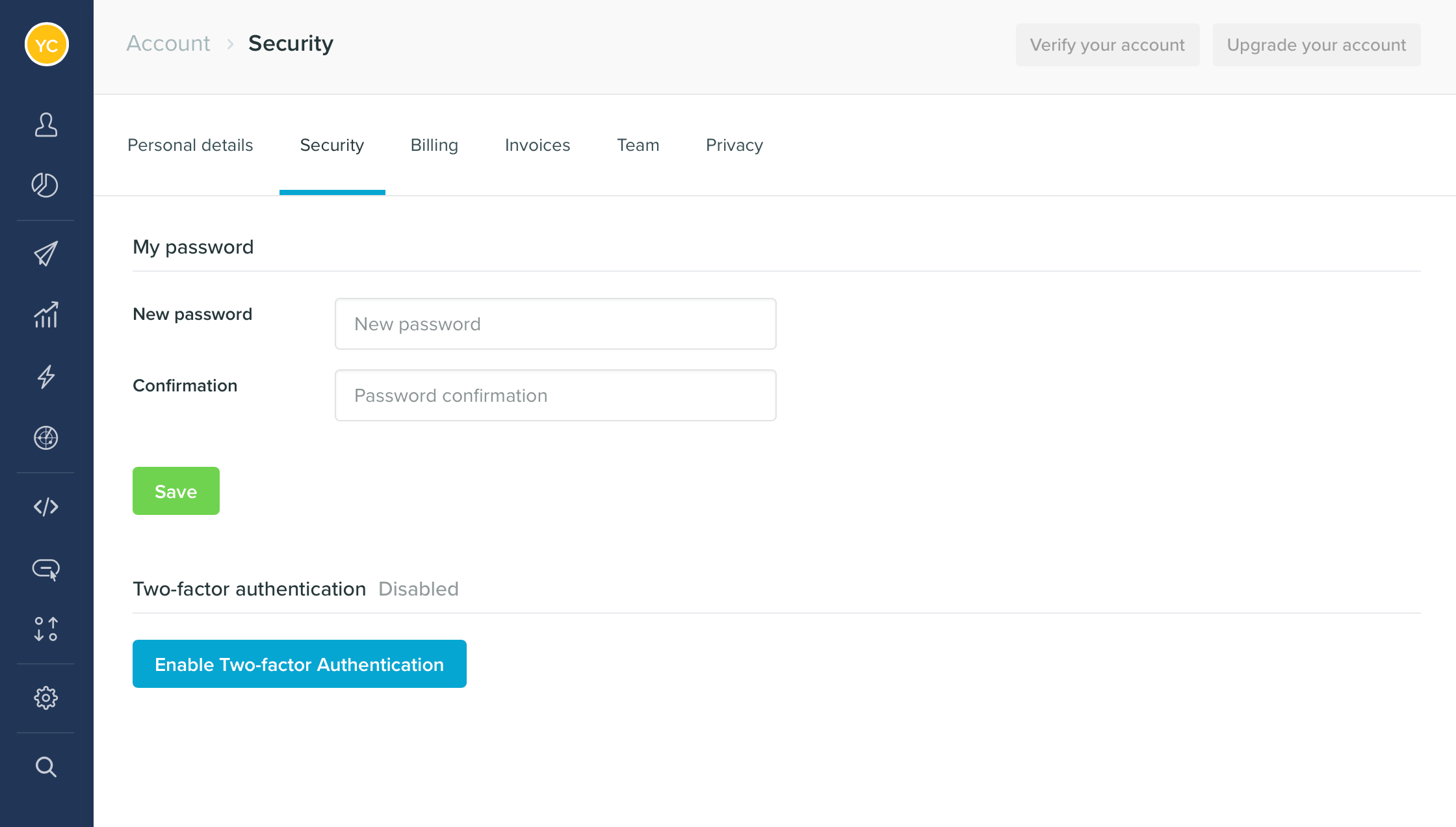
Two-factor authentication (2FA) is a common way to add an extra layer of security on you account. If 2FA is enabled on your account, during login you will be asked to enter a generated code (one time code) to complete authentication. To use 2FA you will need a One Time Code generator such as Google Authenticator, Authy, or One Time Password. How to setup 2FA To enable 2FA on your account, navigate to the security settings page and click on Enable Two-Factor Authentication.Documentation Index
Fetch the complete documentation index at: https://help.getvero.com/llms.txt
Use this file to discover all available pages before exploring further.

- Scan the QR code with your chosen one time code generator app.
- Enter the generated code into the One Time Passcode box.
- Enter your password and click Confirm and Enable Two-Factor.