

Creating an ad-hoc segment audience
- In your broadcast, navigate to the Audience section.
- Click Add Audience.
-
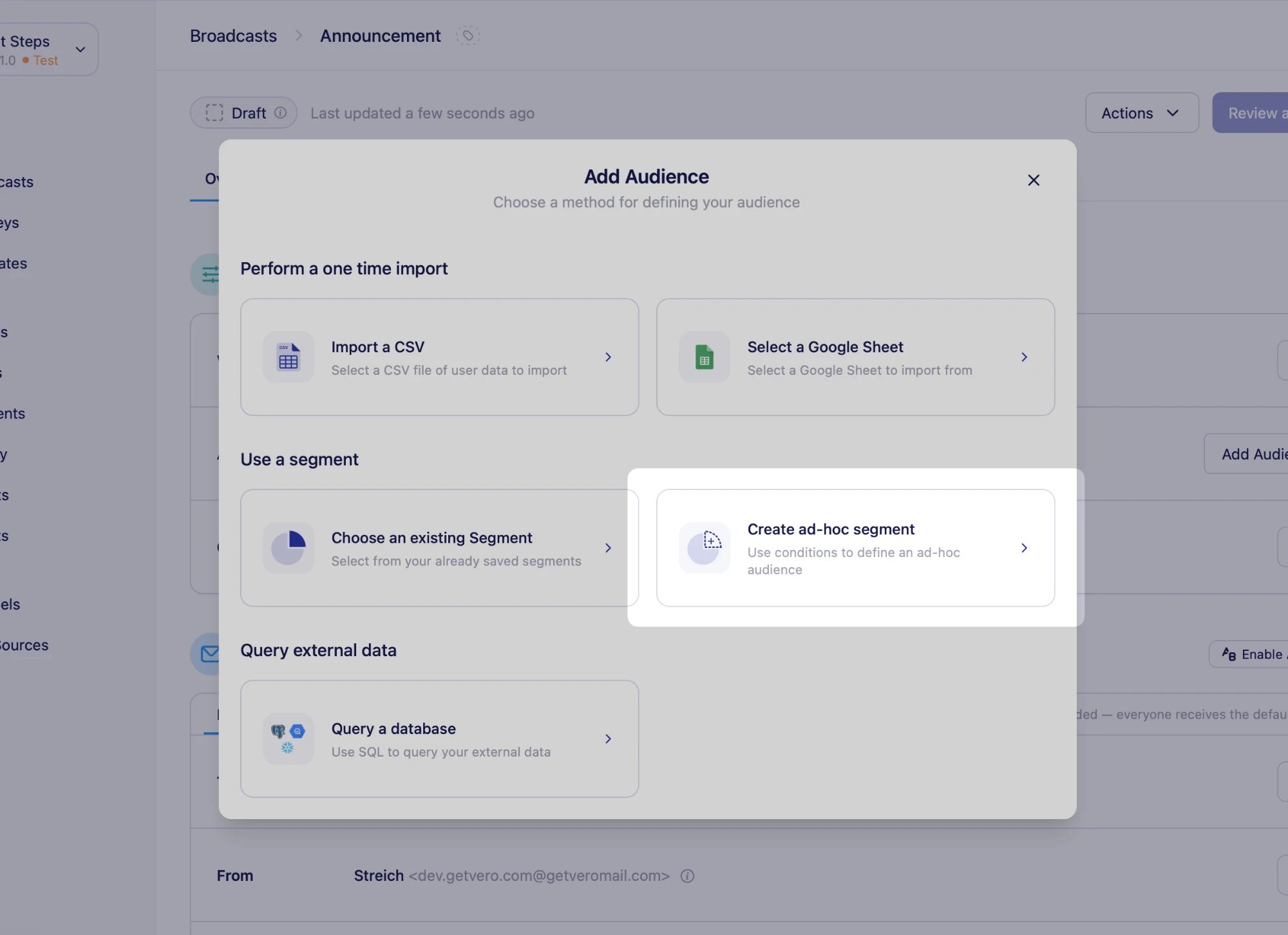
Under Use a segment, select Create ad-hoc segment.
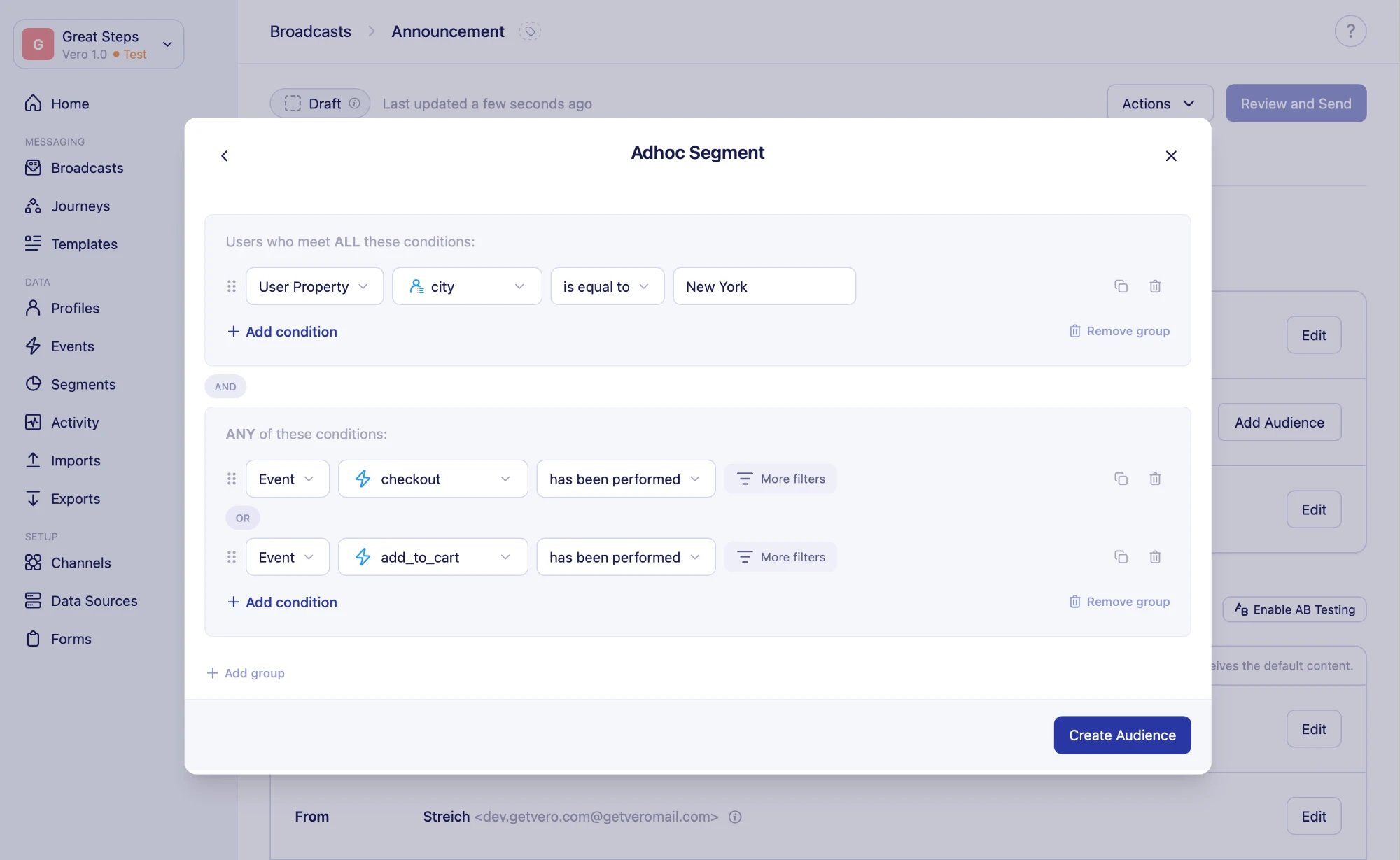
- Add your conditions. Users must match every condition under Users who meet ALL these conditions, and at least one condition under ANY of these conditions. Learn more about segment conditions
-
Click Create Audience.
Example: combine and exclude segments
To send to users in your “Active customers” segment who aren’t in your “Recent purchasers” segment, add two conditions under Users who meet ALL these conditions:- Segment –
is in segment“Active customers” - Segment –
is not in segment“Recent purchasers”
Managing an ad-hoc segment audience
While the broadcast is a draft or paused, you can use the actions in the Audience section to:- Refresh – re-evaluate the conditions to get an up-to-date list of users.
- Edit – open the conditions builder to change the conditions. Saving your changes re-imports the audience.
- Save as segment – open the … menu and select Save as segment to turn the conditions into a saved segment. Enter a name and an optional description, and Vero creates the segment and opens it in the segment builder. Your broadcast keeps using its ad-hoc segment audience.
- Remove – click the trash icon to remove the audience and choose a different audience type.